
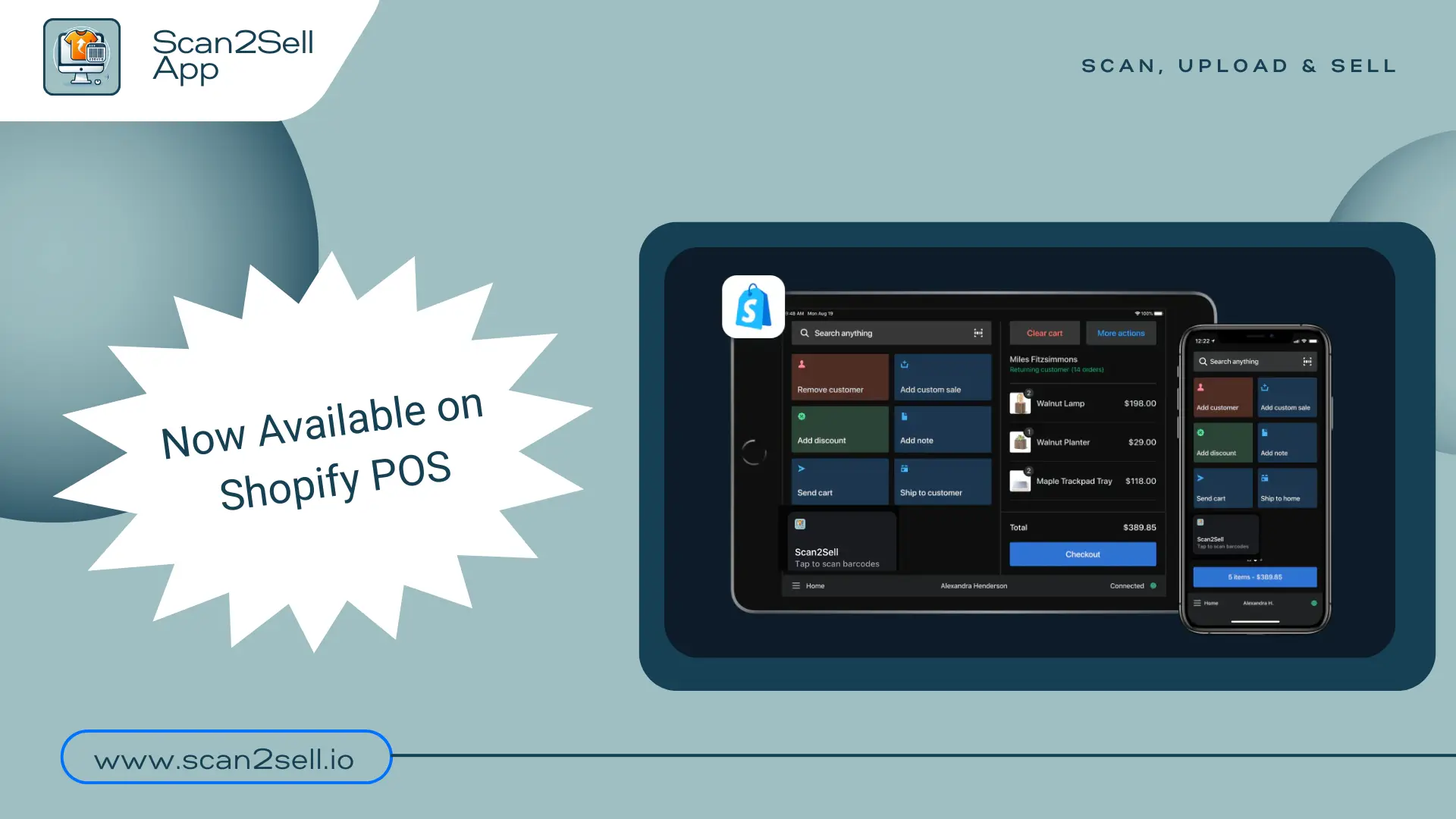
Scan2Sell is Now Available on Shopify POS
If you're adding products while working on the shop floor, speed matters.
You can now use Scan2Sell directly inside Shopify POS, making it faster to scan products and get them into your store without switching workflows.
Built for In-Store Inventory Workflows
This is especially useful if you:
add products while on the sales floor
receive inventory in-store
use a handheld scanner with your POS setup
want to avoid switching between devices
Now, you can scan products right from your POS and handle the details after.
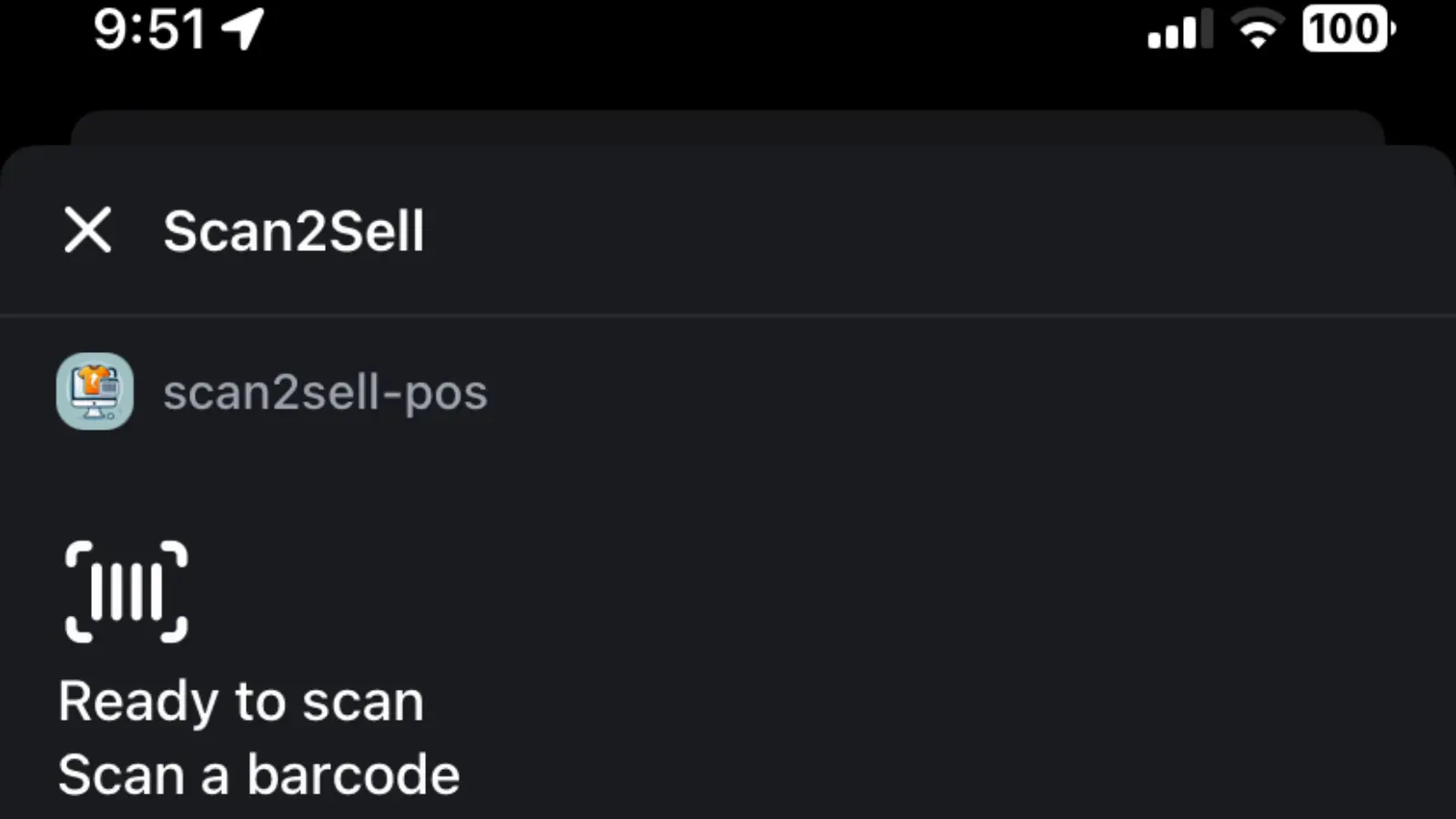
How It Works
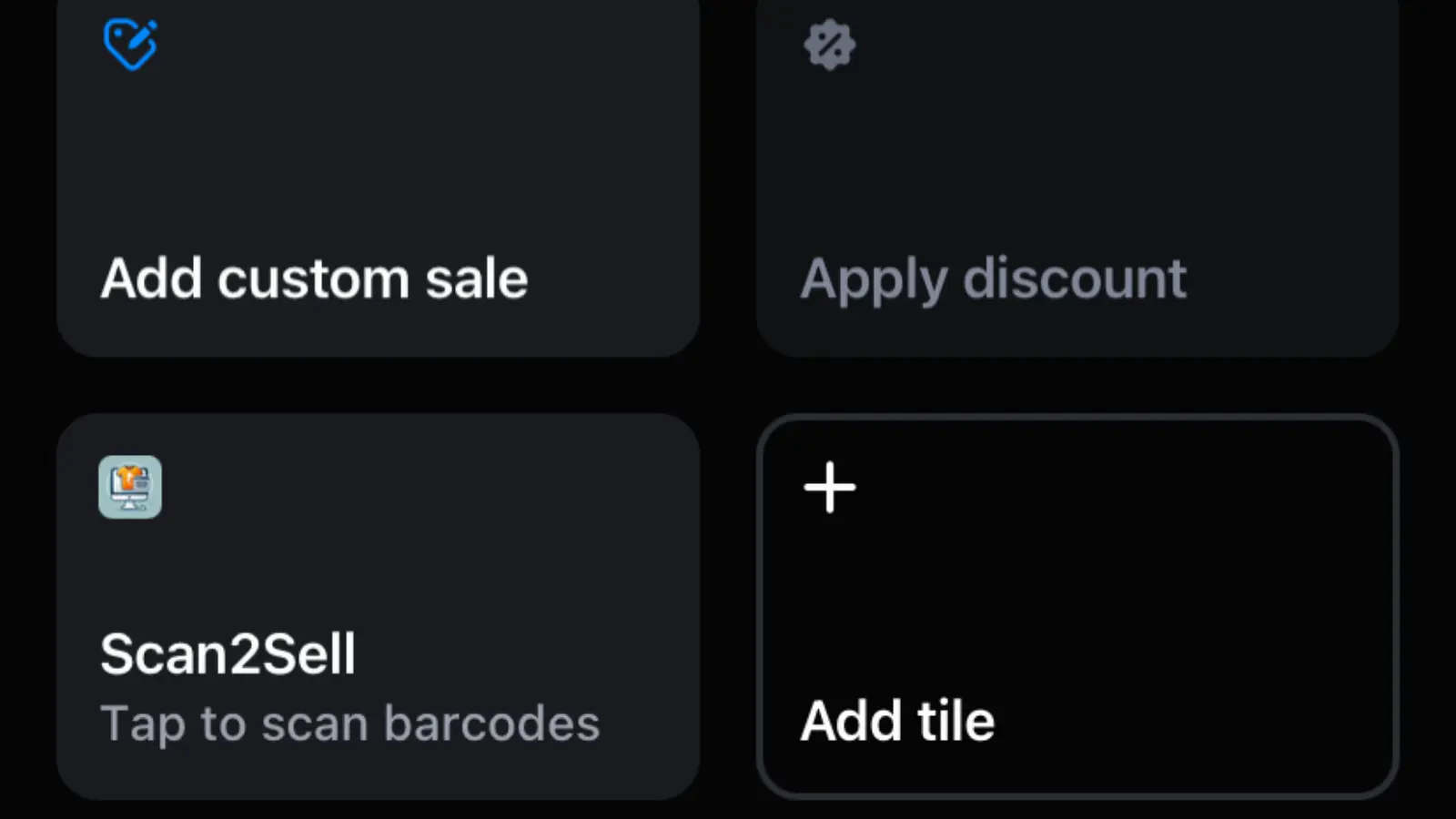
- Add Scan2Sell to Shopify POS
In your Shopify Admin, go to: Sales Channels → POS → Settings → POS Apps → Add Scan2Sell
- Connect your scanner
Pair your Socket scanner (or compatible device) to your Shopify POS.
- Start scanning
Tap the Scan2Sell tile inside POS and begin scanning products.
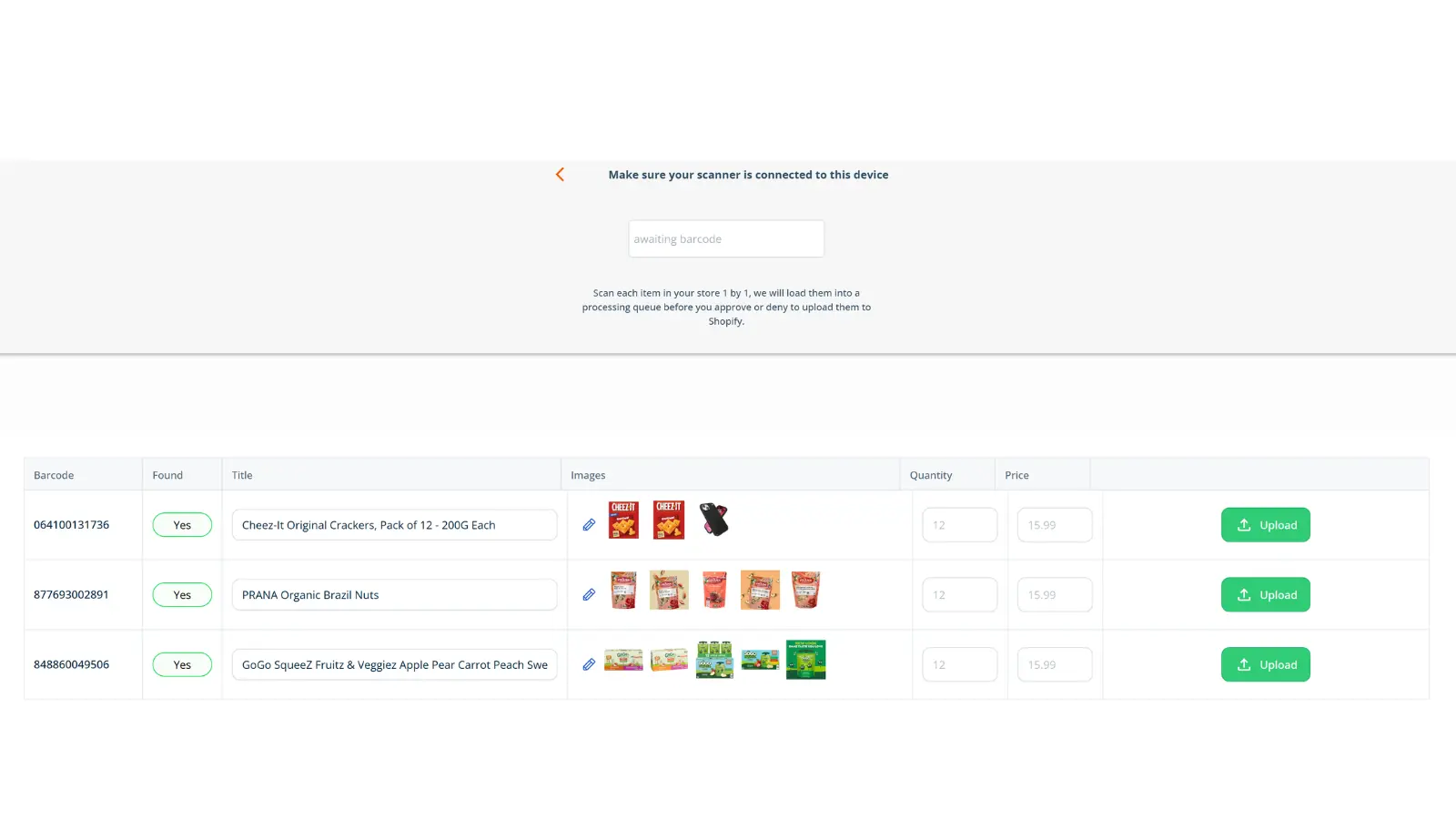
- Review in Scan Queue
Open Scan2Sell on your desktop or tablet in Scan Queue mode.
Your scanned items will appear instantly, where you can:
review product details
make edits
approve listings
A Simple Example
You’re unpacking new inventory in-store.
Instead of scanning items separately and coming back later, you:
scan products directly from your POS device
keep moving through inventory
review everything later in Scan Queue
upload when ready
Less friction. Faster setup.
FAQ: How to Add Products to Shopify POS Using Scan2Sell
Can I use Scan2Sell inside Shopify POS? Yes. Scan2Sell can now be added as a tile inside Shopify POS for in-store product scanning.
What equipment do I need? You’ll need a Shopify POS device and a compatible barcode scanner (such as a Socket scanner).
Where do scanned products go? Scanned items appear in your Scan Queue, where you can review, edit, and upload them to Shopify.
Do I still need to use a desktop? You can scan from POS, then review and finalize products later on desktop or tablet using Scan2Sell's Scan Queue feature.