Why Product Uploads Slow Down Small Retailers
If you’ve ever sat down to manually upload products into Shopify, you know it’s tedious typing product names, writing descriptions, adding prices, and uploading photos one by one. The average retailer spends 10–15 minutes per product, which adds up fast. That’s time you could be helping customers, ordering stock, or marketing your store. Manual entry isn’t just slow, it’s also error-prone. One typo can cause inventory headaches and customer confusion.
The Smarter Way: Add Products with a Scanner
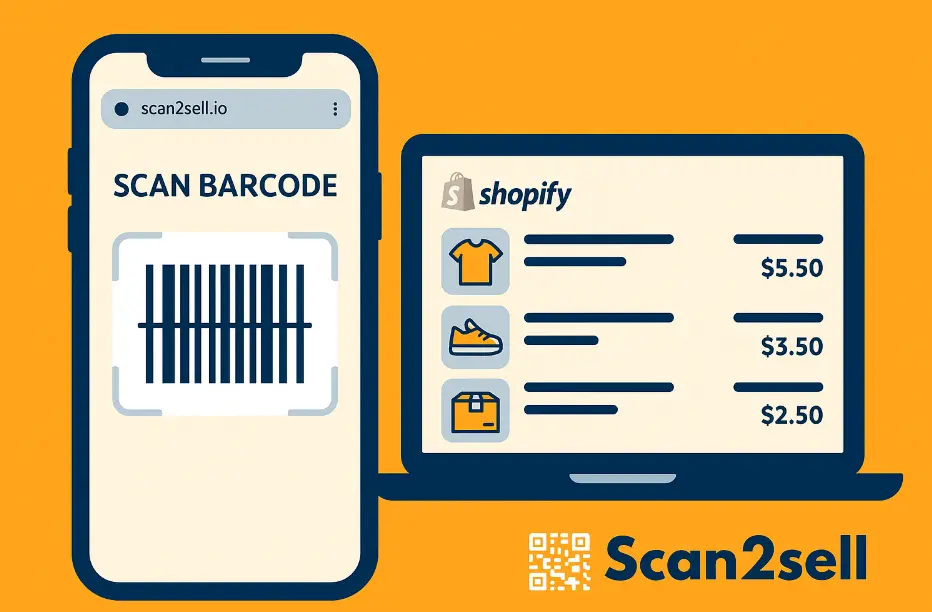
With Scan2Sell, you can skip the manual entry and go from barcode to a ready-to-publish Shopify listing in seconds.
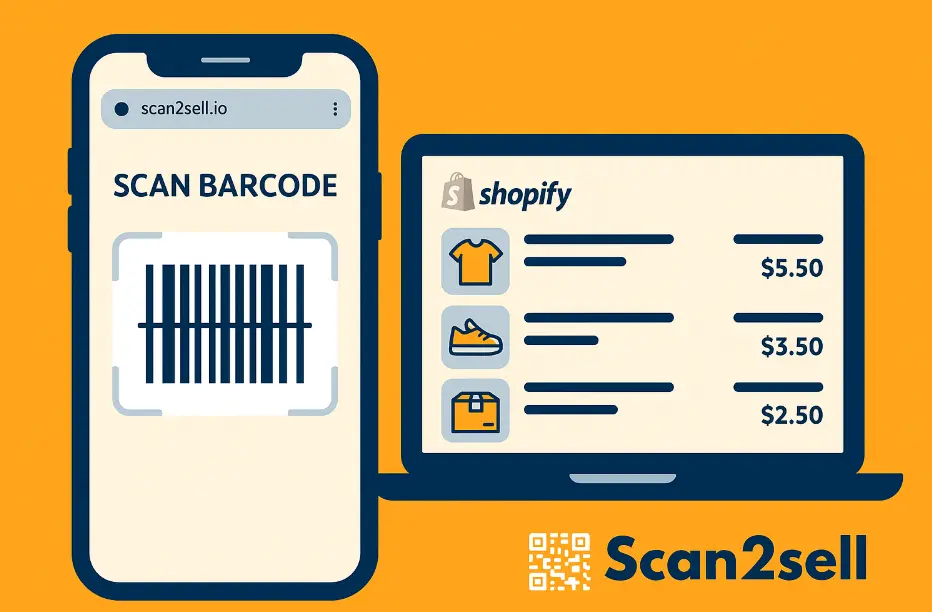
Here’s how it works: Open the Scan2Sell App – Compatible with any smartphone or Bluetooth scanner.
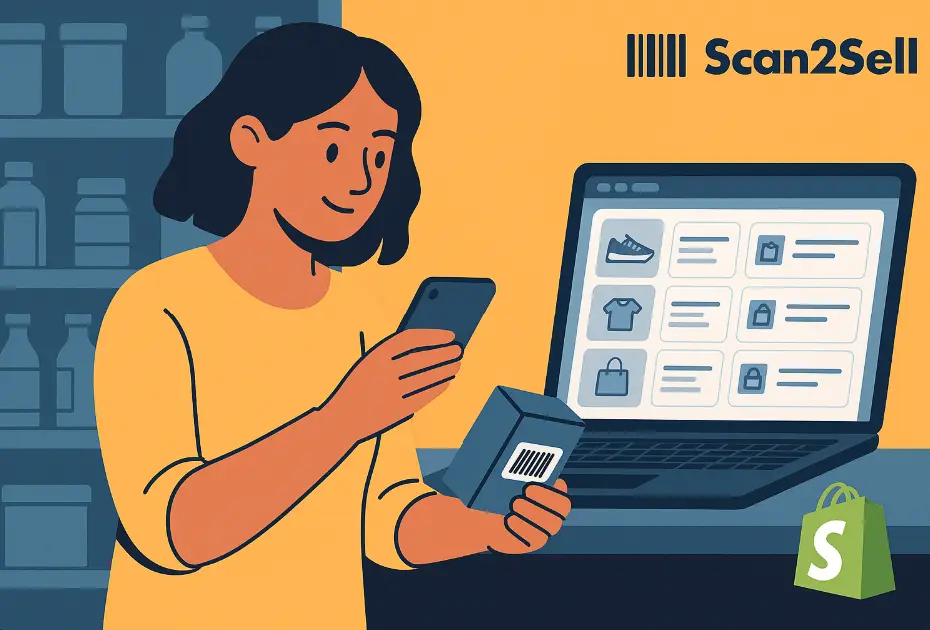
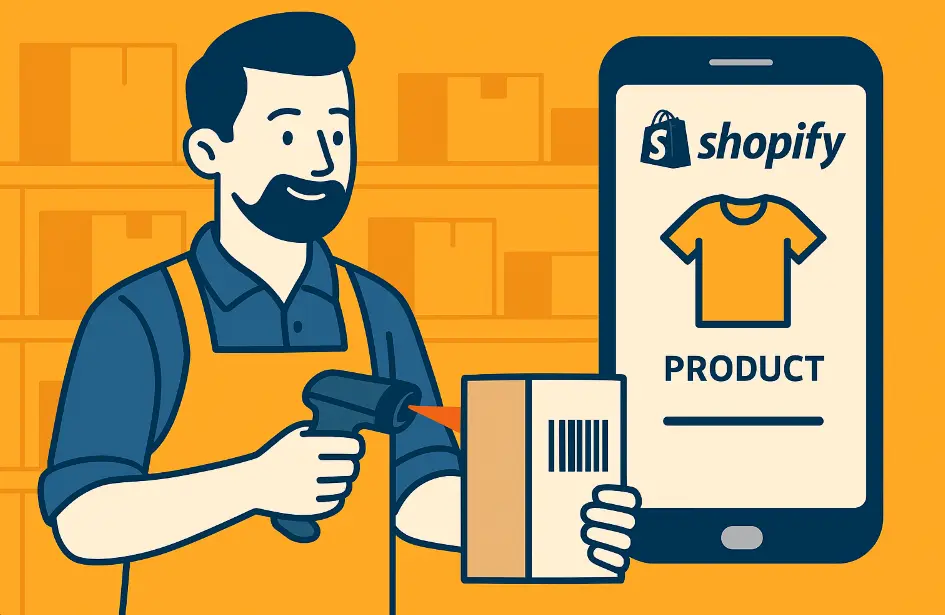
Scan the Product Barcode – The app recognizes the UPC or EAN instantly.
Auto-Generate Product Details – Draft product details such as title and description are generated based on the scan; you just enter the price and quantity.
Tap “Create” –Your product listing can be published in under a minute.
That’s it! No copy-pasting, minimal typing, no spreadsheets required
Why Scanning Works for Busy Shop Owners
Saves hours: Upload 100 products in the time it used to take to add 10.
Keeps inventory synced: Perfect for resellers, boutiques, and liquidators.
Increases visibility: Every scan adds another searchable item to your Shopify store.
In today’s market, visibility drives traffic and traffic drives sales. Being online isn’t optional anymore. It’s how shoppers discover your business before they ever step through your door.
Real-World Example: From Shelf to Shopify in Seconds
Imagine a local home décor shop with 500 SKUs. Using manual entry, that could mean over 80 hours of typing.
With Scan2Sell, it’s done in under one afternoon; products scanned, with draft descriptions generated and ready for review and publishing.
That’s the power of barcode-based uploads.
SEO Tip: Why This Matters for Discovery
Each product you upload becomes its own indexed page in Google and Shopify search. The more products you scan, the more discoverable your store becomes.
More listings = more visibility = more sales.
For local retailers, that means showing up in “buy near me” and “available now” searches, the ones that actually convert.
FAQ: Barcode Scanning App for Shopify
- Do I need special equipment to use Scan2Sell? No. You can use your smartphone’s camera or a standard Bluetooth barcode scanner.
Not sure which to buy? Our Shopify barcode scanner guide explains which models work for each job.
What types of barcodes does it work with? Scan2Sell supports all major formats, including UPC, EAN, and image-based barcodes, making it compatible with most retail products.
Will it overwrite my existing Shopify listings? No. Scan2Sell only uploads new products. You can edit, merge, or organize listings within Shopify as usual.
Can I scan items without barcodes? Yes. You can take a photo of a product to help create a listing when a barcode is not available.