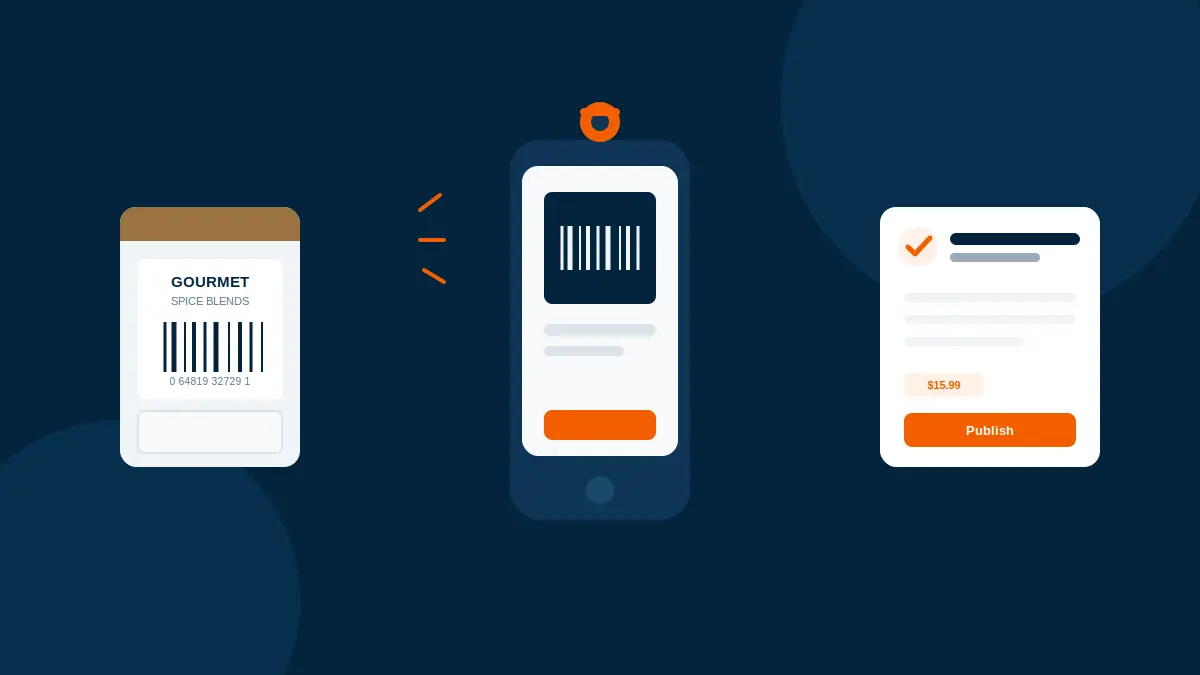
Yes. A single photo of a barcode holds everything Scan2Sell needs to build the listing. No scanner gun, no live camera feed, no steady hand required.
A phone camera photographing a barcode label is enough for a listing to appear
The Short Answer
This question comes up a lot from store owners who've watched someone else use a big handheld scanner gun and assumed that was the only way in. It isn't. If you can take a picture with your phone, you can add a product to Shopify with a barcode photo. Scan2Sell reads the barcode straight out of the image, no separate device required.
A Photo Holds the Same Data as a Live Scan
A barcode is just a printed pattern that represents a number, usually a UPC or an EAN. A live scanner reads that pattern the instant it lines up in the frame. A photo captures the exact same pattern, it just gets read a moment after the shutter goes off instead of continuously. Nothing is lost by taking a still picture instead of pointing a live camera at it. The barcode number, and everything tied to it including the title, description, category, dimensions, and related images, appears the same way either method.
A barcode doesn't need to be alive on your screen to be read. It just needs to be legible in one frame.
When a Photo Beats Live Scanning
The photo option ends up carrying more of the workload than you'd expect. It comes in handy with:
- Glass jars and bottles where the barcode wraps around a curve and glare gets in the way of a live feed
- Older packaging where the print has faded or the code is scuffed from handling
- Dim stockroom lighting where a live camera view lags or blurs before it locks on
- The first batch of inventory scanned before a Bluetooth scanner gun has even arrived If a live scan keeps missing on the same product, a still photo usually catches it, because you can angle the light and hold the frame steady for one shot instead of chasing a moving preview.
How the Picture Becomes a Listing
Inside Scan2Sell, the photo option sits right next to the live camera scanner on the same screen. If a barcode isn't scanning cleanly, tap Take Picture, get the barcode centred in the frame, and snap it. A draft listing appears from that photo, with the title, description, category, dimensions, and related images already filled in. From there you add your price and quantity, and review everything before it goes anywhere near your storefront.
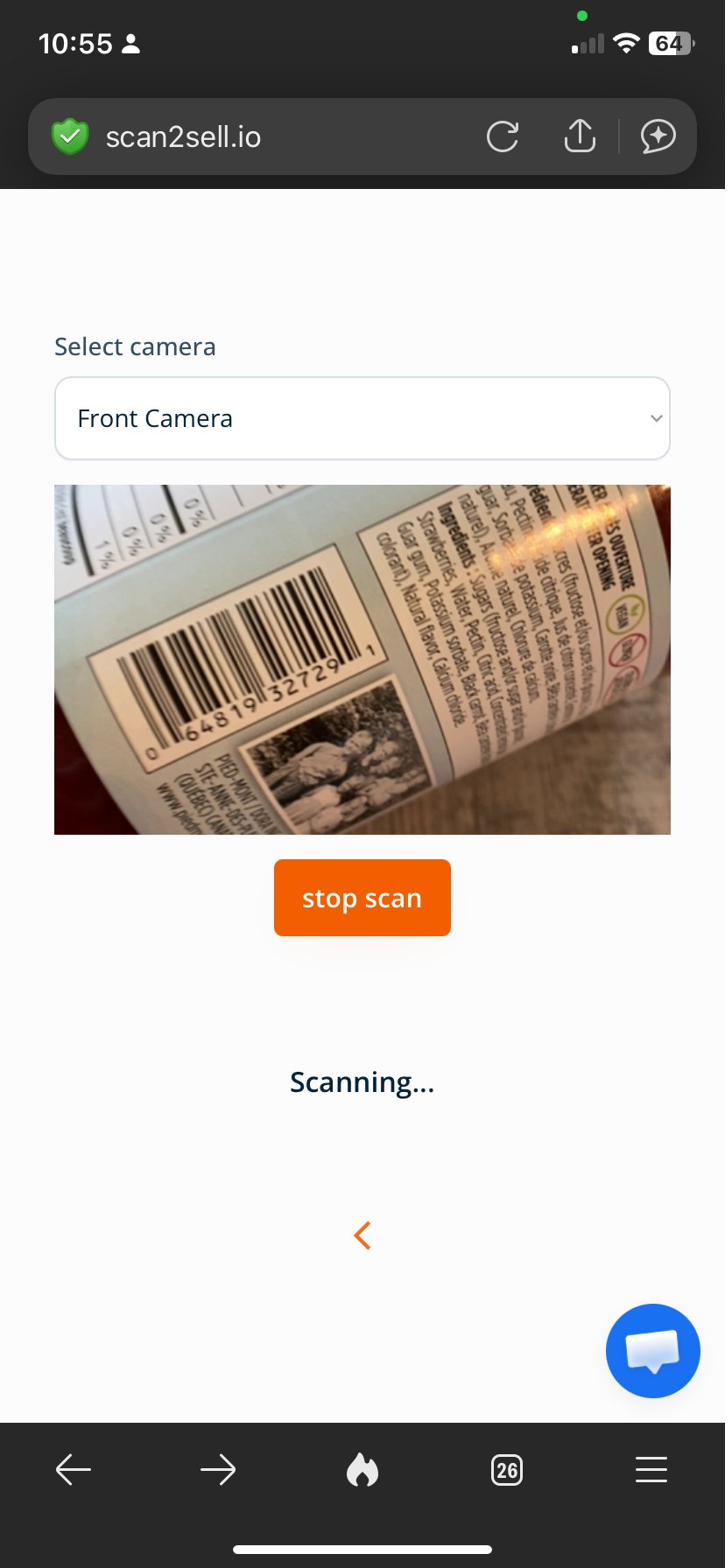
The Take Picture option sits on the same screen as the live camera and scanner gun options
See It in Action
Here's what taking a picture of a barcode actually looks like from start to finished listing.
If the Product Has No Barcode at All
This is a different situation than a barcode that's just hard to photograph, and it's worth keeping the two apart. When an item genuinely has no barcode on it, the same photo tool still works, only now the picture is of the product itself rather than a printed code. The listing details still appear from that image, built from the product's appearance instead of a scanned number.
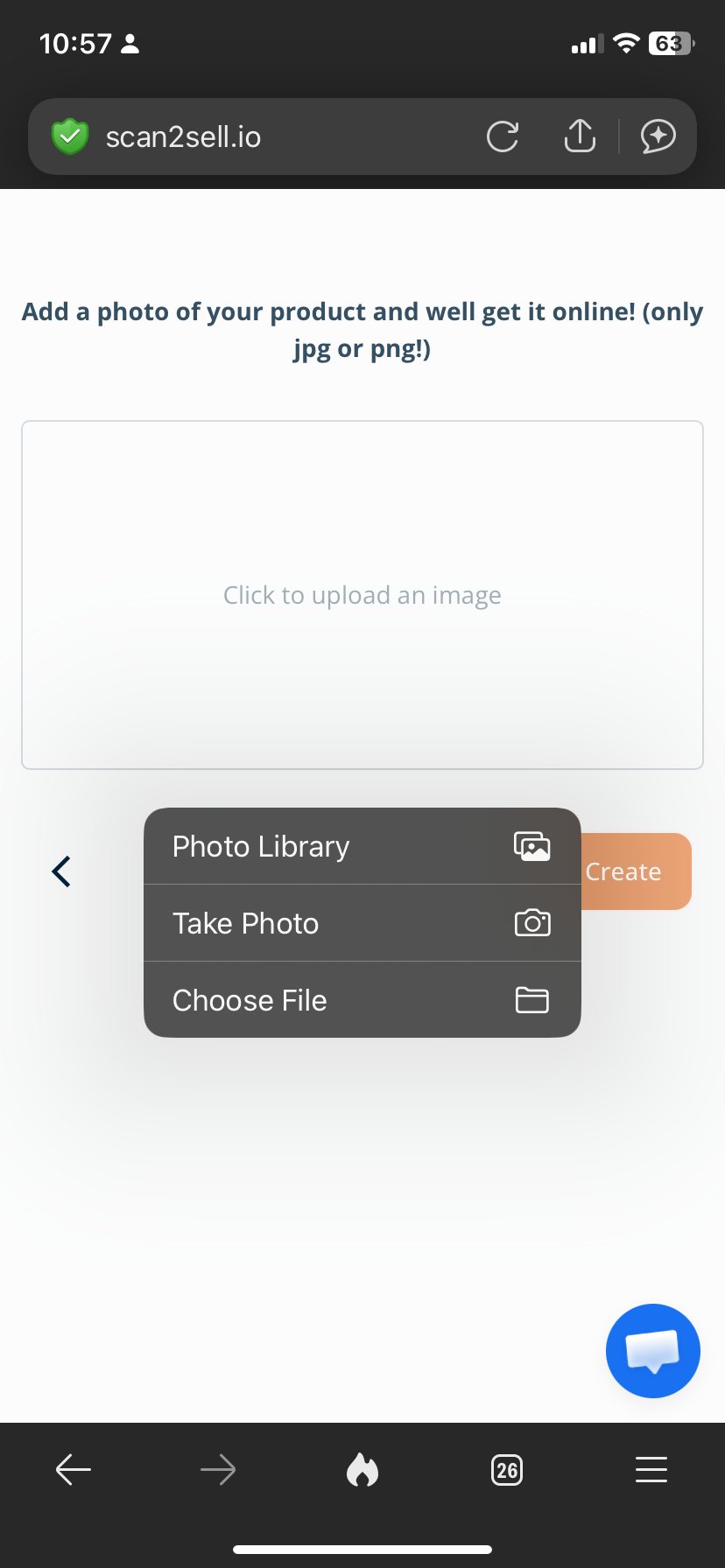
Products with no barcode use the same photo tool, pointed at the item instead
For a Whole Shelf of Known Barcodes, Skip the Photos
Photographing barcodes one at a time makes sense for a handful of products, but if you're sitting on a spreadsheet of barcode numbers pulled from a previous point of sale system, there's a faster route. Download Scan2Sell's Shopify CSV template, drop the barcodes into it, and upload the file back in. The same listing details appear for every row, without a single photo being taken. It's the better call for Shopify product import CSV work at real volume, and it pairs well with photographing the odd item that never had its barcode logged anywhere.
Point and Scan
Use your phone camera or a Bluetooth scanner gun to read a barcode in real time as you move through the store.
Take a Photo
Snap a still picture of a barcode that won't scan live, or of a product that never had a barcode printed on it.
Upload a CSV
Drop known barcode numbers into Scan2Sell's Shopify CSV template and upload it back in for large batches.
Scan Through Shopify POS
Reach the same scanning and photo options directly from Shopify POS during stock intake or checkout.
What to Do if a Barcode Photo Doesn't Read
- Retake the photo with the barcode filling more of the frame
- Add a light source if the code is sitting in shadow
- Flatten a curled label against a flat surface before shooting
- If the barcode is too worn to read from any angle, type the number in by hand instead
You Still Approve Every Listing
None of this publishes on its own. Every listing built from a barcode photo, a product photo, or a CSV row sits in draft until you've checked the title, description, and images and added your price and quantity. Nothing goes live until you say so.
Frequently Asked Questions
Do I need a barcode scanner gun to use Scan2Sell?
No. A phone camera works two ways, as a live scanner or as a still photo of the barcode. A Bluetooth scanner gun is available for high volume scanning, but it isn't required to get started.
What happens if my product doesn't have a barcode?
Use the same photo tool, just point it at the product instead of a barcode. A draft listing still appears, built from the image of the item itself.
Can I take a picture of a damaged or faded barcode?
Often, yes, especially after improving the lighting or flattening the label first. If the code is too worn to read from any angle, you can type the barcode number in manually.
Can I upload a batch of barcode photos at once?
Not as photos, but if you already have the barcode numbers written down or exported from an old system, you can upload them together using Scan2Sell's Shopify CSV template.
Does taking a picture work through Shopify POS too?
Yes. Scan2Sell's photo option sits on the same screen as the in-store scanner, so a barcode picture can be taken right at checkout or during stock intake.
Turn Your Next Barcode Photo Into a Live Shopify Listing
Install Scan2Sell and try it on the first product on your shelf.
Get Scan2Sell on the Shopify App Store