
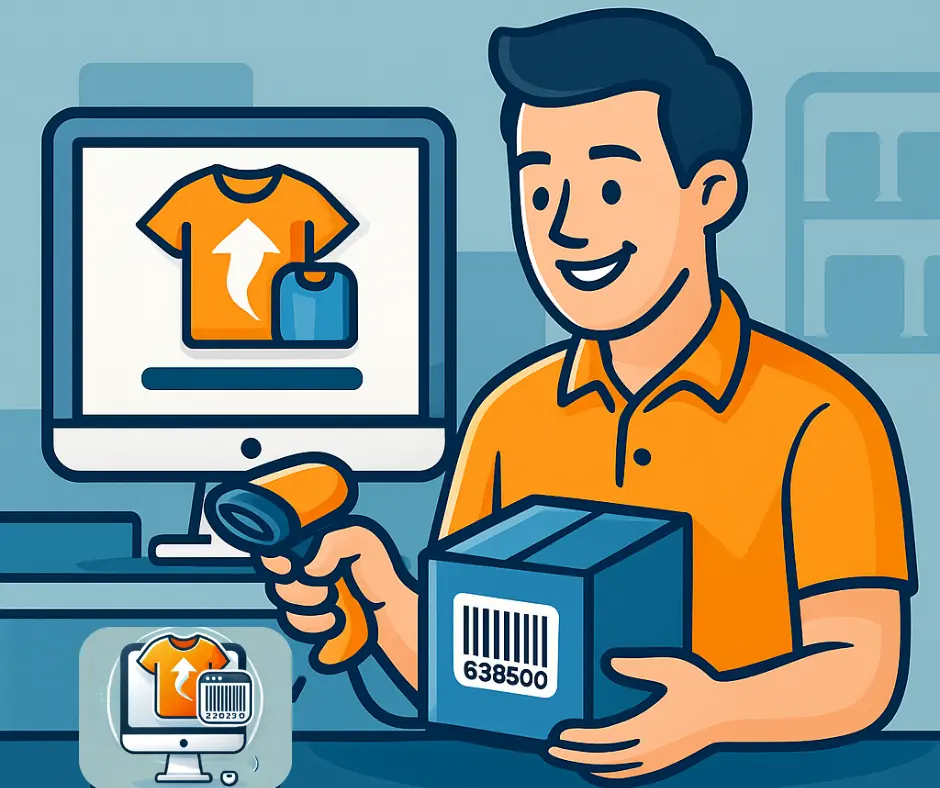
Why Product Uploads Slow Down Small Retailers
So you might be wondering: “Can I just scan a barcode and add my products to Shopify that way?”
The answer: yes, with the right tool.
Shopify doesn’t have a built-in feature that lets you scan a barcode and instantly create a product listing. That’s where Scan2Sell comes in. This app turns barcode scanning into a faster way to create product listings, helping you get online fast, even if you’re not tech-savvy.
Understanding Barcodes and Why They Matter
A barcode, or UPC, is more than a label; it’s a digital fingerprint for your product. It links to data such as:
Product name
Description
Price
Manufacturer
Image references
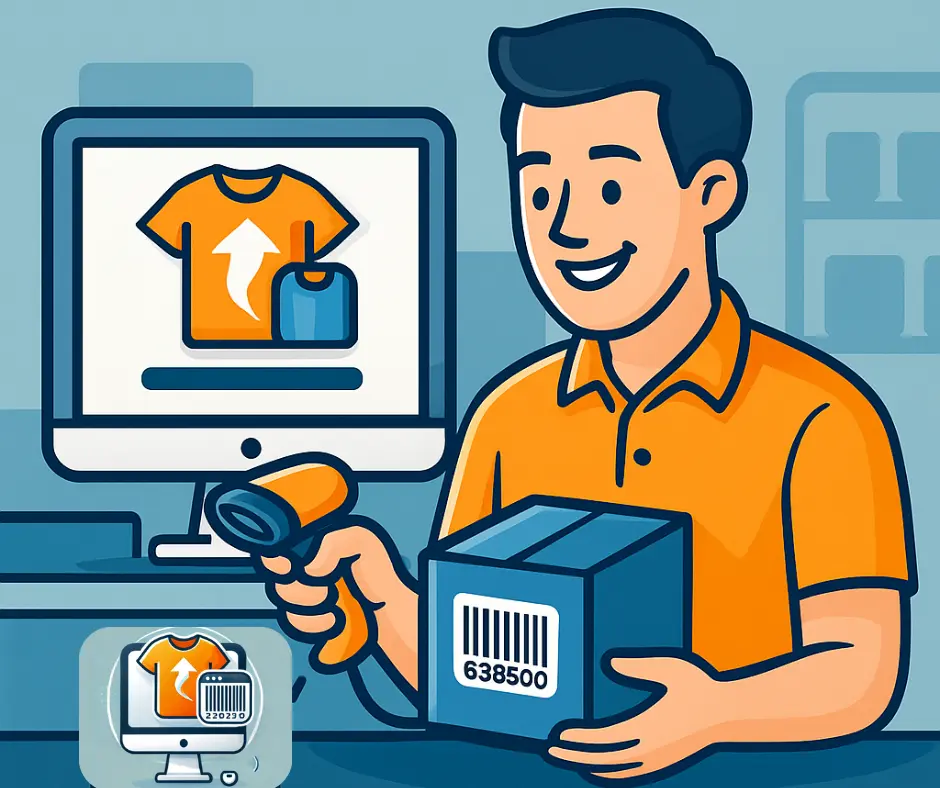
Why Scanning Works for Busy Shop Owners
By using that barcode data, you can quickly create product listings more efficiently with less manual typing.
Pro Tip: If your products already have UPC codes, you already have key product identifiers that can be used to help build your listings, you just need a smart way to pull it in.
The Manual Way to Add Products
Without a barcode-scanning tool, you’d have to:
Click Add Product in Shopify.
Type the title and description.
Take or upload photos.
Add pricing and stock.
Repeat for every item.
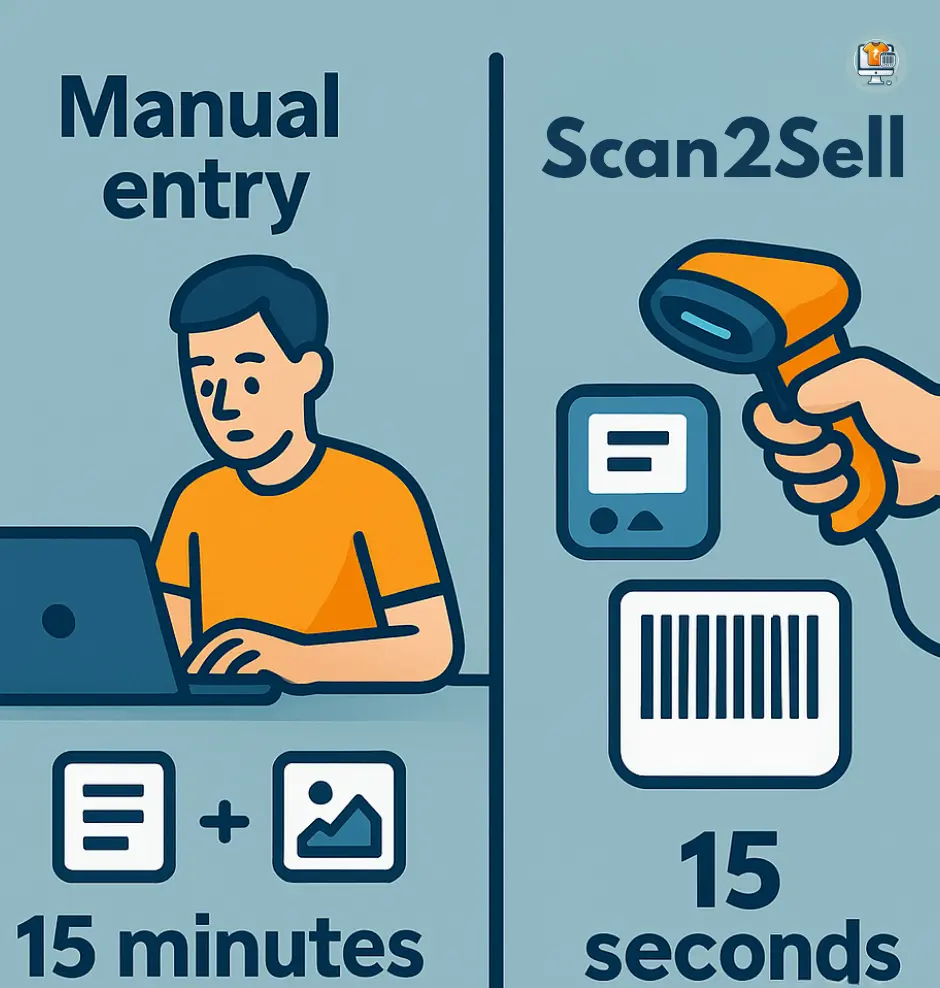
That process can take 10–15 minutes per product, or weeks for large catalogs.
Pro Tip: Many retailers delay going online because this step feels impossible. You don’t need tech skills to sell online, just the right system.
The Better Way: Scan Your Barcodes Instead
With Scan2Sell, you can scan a barcode and have your Shopify product listing built automatically.
The app can help generate:
A professional title
A complete product description
Your products are ready to review and publish, reducing manual typing and repetitive data entry.
Pro Tip: If you can scan a barcode, you can simplify how you build your e-commerce listings.
Why Scan2Sell Works for Real Retailers
Retailers use Scan2Sell because it’s designed for busy, real-world businesses, not tech pros.
- Get products online 10x faster
- Works right inside Shopify
- No setup or training needed
Whether you’re managing a hardware store, liquidation stock, or a small boutique, Scan2Sell gives you the freedom to sell online without the time drain of manual entry.
Pro Tip: Many Scan2Sell users say getting online used to take weeks. Now it takes a weekend.s
So, can I Add a Product to My Shopify Store by Scanning Its Barcode?
Yes, you can add products to your Shopify store by scanning barcodes.
Shopify makes it easy to sell, but tools like Scan2Sell make it possible to scale.
Your inventory is already in your store. With Scan2Sell, it can be online too, faster than ever.
👉 Try Scan2Sell on the Shopify App Store