Shopify for Consignment Shops
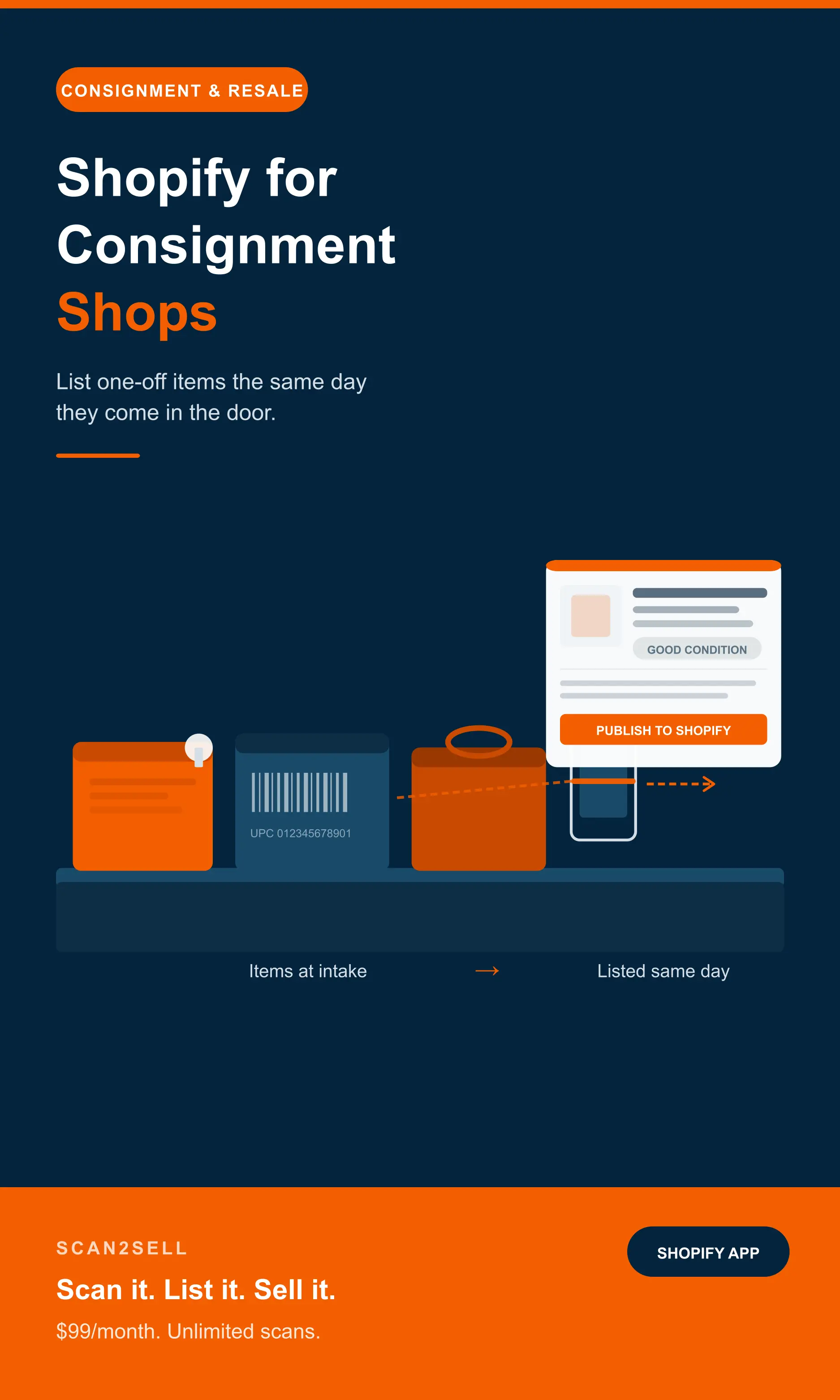
Running a consignment shop means listing one-off items fast before they walk back out the door. Here is how to get consigned inventory online the same day it comes in.
Running a consignment shop comes with an inventory model that most ecommerce tools were not designed for. You do not buy your stock. You do not know exactly what is coming in next week. Every item that lands on your counter is unique, often one of a kind, and needs to be listed, priced, and tracked individually before it walks back out the door unsold.
The opportunity in the secondhand and resale market is real and growing. The operational challenge is just as real, and for most consignment shops, the listing bottleneck is where momentum stalls. Items pile up in the back room while the online store sits thin or empty.
This is the specific problem worth solving.
The consignment listing problem
Most consignment shops take in items faster than they can get them online. A customer drops off a bag of clothing on Tuesday. Another brings in a box of kitchenware on Thursday. By Friday the back room has a queue of unlisted items and the shop is already taking in more.
Each item needs its own listing. A title. A description. A photo. A price. A condition note. For a shop running on a traditional ecommerce setup, that process takes time that most consignment operators simply do not have between serving customers, managing consignor payouts, and keeping the floor organised.
The items that never get listed online never sell online. And for a consignment shop trying to reach buyers beyond its immediate neighbourhood, that is a significant missed opportunity.
Why barcodes help more than you might expect
Consignment inventory feels like it should be impossible to barcode-scan because so much of it is secondhand and mixed. In practice, a significant portion of what comes through a consignment shop door has a barcode on it.
Brand-name clothing, accessories, shoes, electronics, books, kitchenware, toys, games: most items manufactured in the last twenty years came with a barcode on the packaging or the tag. When a consignor brings in a Nike jacket, a KitchenAid attachment, or a stack of paperbacks, those items are scannable.
When you scan the barcode with Scan2Sell, a structured product listing appears. The title, description, category, and product images are populated from the barcode data. You add the condition, set your consignment price, and publish to Shopify. For a shop taking in mixed drop-offs daily, that covers a meaningful portion of intake without manual data entry.
The barcode already knows what the item is. Your job is the condition and the price. Everything else appears on its own.
What to do with items that have no barcode
Vintage clothing, handmade goods, jewellery, furniture, art, and anything pre-barcode era will not scan. For those, Scan2Sell lets you take a photo of the item instead. The image is used to help structure a listing draft, with title, category, and description generated from the visual input.
It is not as fast as a barcode scan, but it is significantly faster than a blank product form. For a consignment shop where a large proportion of stock is clothing and accessories without readable barcodes, the photo workflow handles what scanning cannot reach.
A practical approach is to process barcoded items first as they come in, then batch the no-barcode items into a separate session. Both end up in Shopify the same day rather than sitting in a back-room queue through the end of the week.
How the workflow fits a consignment day
Items come in continuously. This is how to keep listings moving at the same pace as intake.
Separate barcoded and non-barcoded items
As items come in, sort them into two groups: those with a scannable barcode on the tag or packaging, and those without. Barcoded items move faster and should be processed first to get stock online the same day it arrives.
Scan with your phone or Bluetooth scanner
Open Scan2Sell and scan each barcoded item. A structured listing appears with title, description, category, and product images already populated. Add the condition, set the price, and publish. Under a minute per item for high-volume days.
Photograph the rest in a separate batch
For vintage, handmade, or unbarcode items, take a photo instead. Scan2Sell uses the image to help structure the listing. Same review and publish flow, just a different starting point. Batch these into a separate session once barcoded stock is done.
Publish as you go
Do not hold listings back until everything is ready. Items that are live can sell while you are still working through the rest of intake. A consignment shop with 50 products listed online is generating more than one with 200 sitting unlisted in the back room.
Pricing consigned items efficiently
Pricing consignment stock is one of the more nuanced parts of the operation. You are setting a price on behalf of someone else's item, working to a split that makes sense for both parties, and doing it quickly enough that intake does not become a bottleneck.
A few approaches that work in practice. Check completed sales on eBay and Facebook Marketplace for comparable items. Five minutes of category-level research gives you a pricing baseline you can apply across similar items in a session rather than researching each one individually.
Set category pricing rules in advance rather than making individual judgments on every item. Branded clothing in good condition at 30 percent of retail. Kitchenware at 40 percent. Books at a flat rate by condition. Having the framework decided before you sit down to list means pricing is a quick confirmation rather than a research task each time.
And publish as you go rather than waiting until everything is priced perfectly. A listing at a slightly imperfect price still sells. An item sitting in a back room queue sells nothing.
Works with Shopify POS for in-store sales too
If you are running your consignment shop on Shopify POS for in-store sales, Scan2Sell integrates directly. You can scan items as they come in at the intake counter and begin building online listings without switching between systems.
That means your in-store and online inventory stays in sync from the moment an item is processed, not after a separate data entry session later in the week. Items that sell in-store update automatically. Items that sell online are reflected in your in-store stock. One workflow, one place.
Frequently asked questions
Common questions from consignment shop owners about getting inventory listed on Shopify faster.
Can Scan2Sell handle the mixed and unpredictable inventory that comes into a consignment shop?
Yes. Scan2Sell supports three input types: barcode scanning for items with a readable barcode, photo capture for items without one, and CSV upload for bulk batches where you already have a list of barcodes. A consignment shop can use all three depending on what comes in on a given day. Neither requires manual data entry from scratch.
What happens if a barcode does not return any product information?
For items where no data appears from the barcode scan, you take a photo instead. Scan2Sell uses the image to help structure a listing draft. You review and edit the details before publishing. It takes slightly longer than a barcode match but is still considerably faster than starting from a blank form in Shopify.
Does Scan2Sell work with Shopify POS for in-store consignment sales?
It does. If you are running your consignment shop on Shopify POS, Scan2Sell integrates directly. You can scan items as they come in at the intake counter and build online listings without switching between systems. In-store and online inventory stays in one place from the moment an item is processed.
Should I list every item before I start selling online, or publish as I go?
Publish as you go. There is no advantage to waiting until everything is listed. Items that are live in your Shopify store can sell while you are still working through the rest of intake. Even a partial online store with 20 or 30 items listed is generating more than one with nothing published at all.
How much does Scan2Sell cost for a consignment shop?
Scan2Sell is $99 per month with unlimited scans. There is no per-item fee, which makes it practical whether you are processing five items a day or fifty. The cost stays the same regardless of intake volume.
Ready to get consigned items online faster?
Scan2Sell is $99 a month with no scan limits. List items the same day they come in.
Get Scan2Sell on Shopify