Shopify Data Entry and Product Upload, Handled From Your Phone
Everything involved in getting a product properly listed on Shopify, and how Scan2Sell brings titles, descriptions, images, and SKU data together in one scan.
What "Shopify Data Entry" Actually Covers
When people talk about Shopify data entry, they usually mean the same handful of repetitive tasks: writing product titles and descriptions, attaching the right images, assigning a category, setting a price, and entering SKU and inventory details for every single item. None of it is difficult on its own. It just adds up fast once you have more than a few dozen products to get online.
This article walks through what each of those tasks actually involves and how Scan2Sell handles them directly from a barcode scan or a product photo, so listing a physical product stops being a typing exercise.
Store Setup: The Part You Only Do Once
Before any product data entry happens, your Shopify store needs its basic structure in place: collections, navigation, payment settings, and shipping configuration. This is a one-time setup task and not something Scan2Sell is built to handle, since it has nothing to do with individual product listings. Shopify's own setup guide and support team are the right resource for this step.
Once your store structure is in place, the ongoing work becomes about getting products into it, which is where the real time cost shows up.
Managing Product Details Without Typing Them
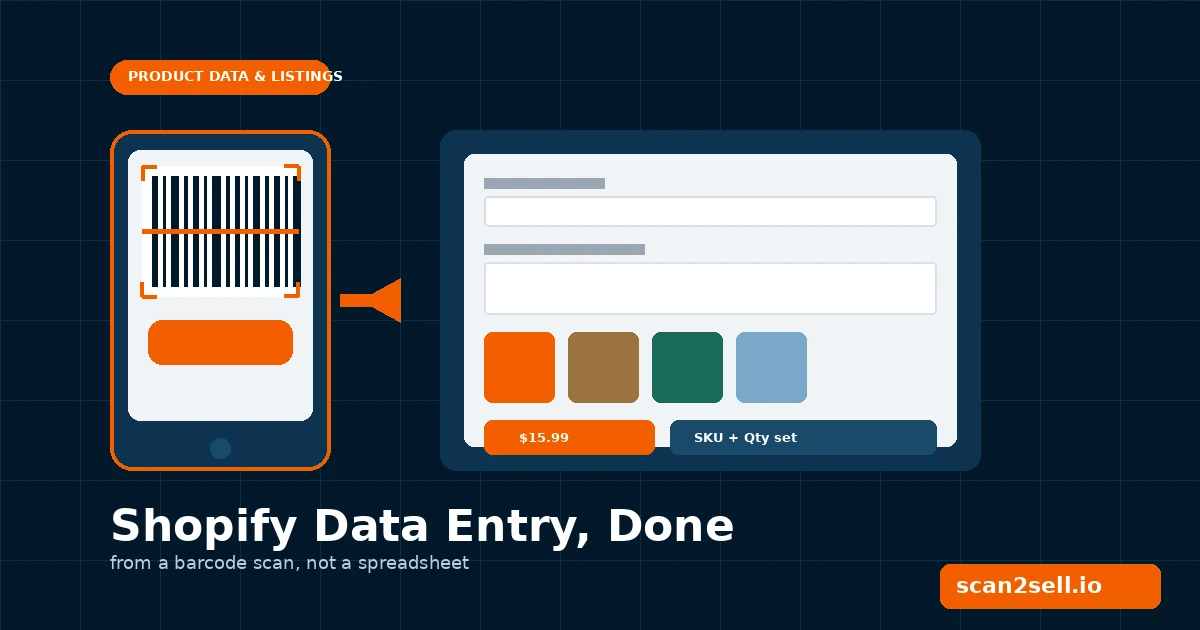
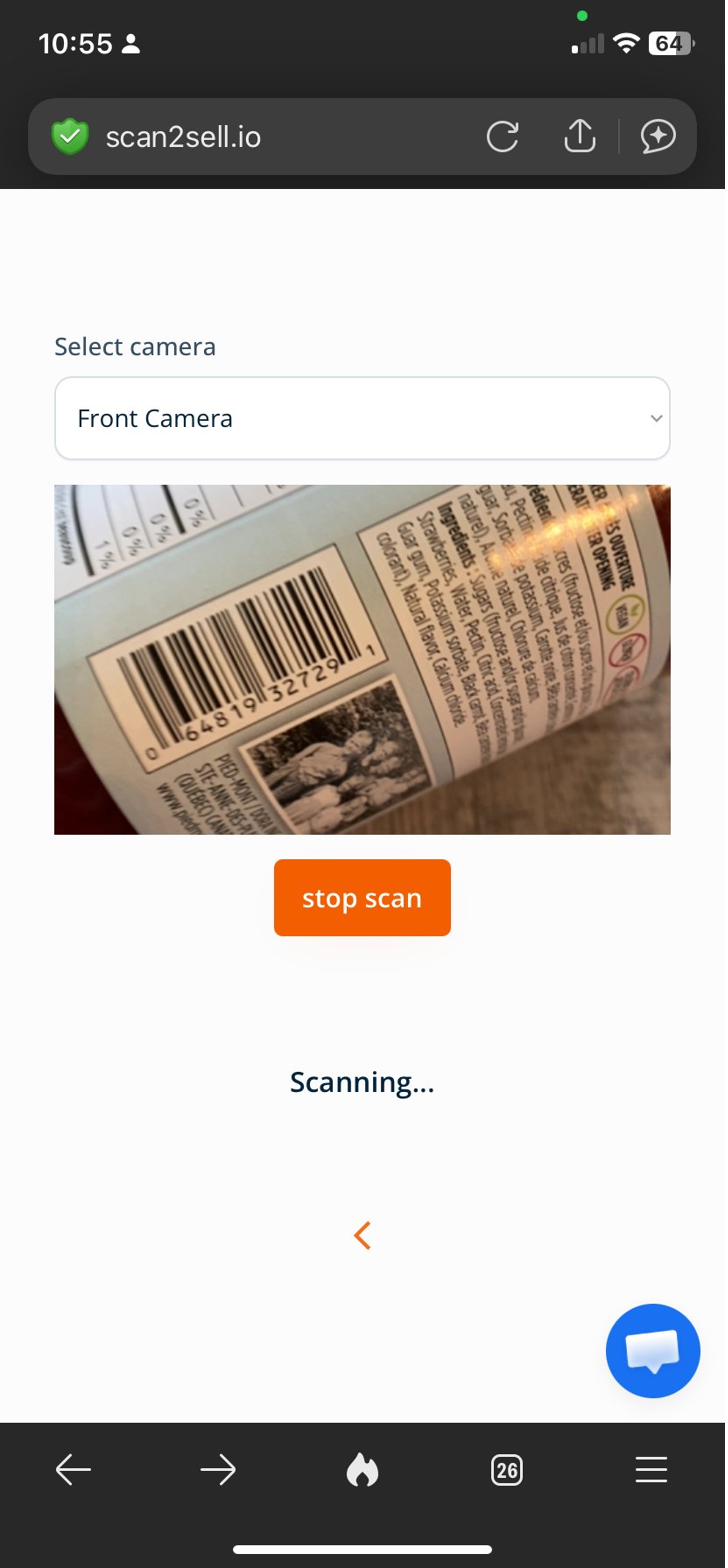
For any product with a barcode, the title, description, and category appear directly from a scan. Open Scan2Sell inside your Shopify admin, scan the barcode with your phone camera or a Bluetooth handheld scanner, and a pre-filled listing form appears on screen within seconds.
The Scan2Sell home screen inside Shopify. Five ways to get a product listing started, all from one screen.
You review the title and description before anything is created, so you stay in control of exactly what your customers see. Nothing publishes automatically. For products without a barcode, such as vintage or handmade items, the Take Picture option lets you snap a photo instead, and that image becomes the reference Scan2Sell uses to help draft a structured listing.
The live camera scanner reading a barcode in real time.
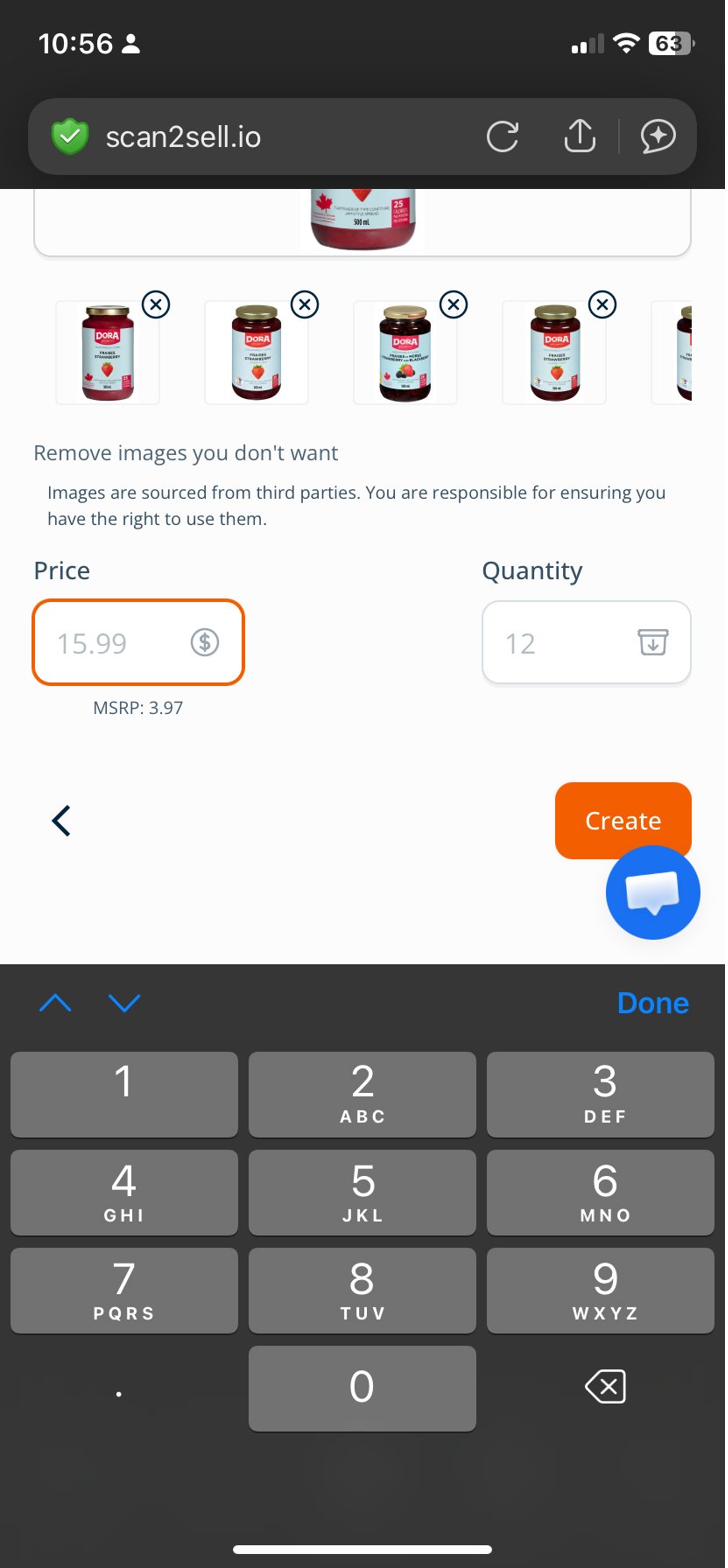
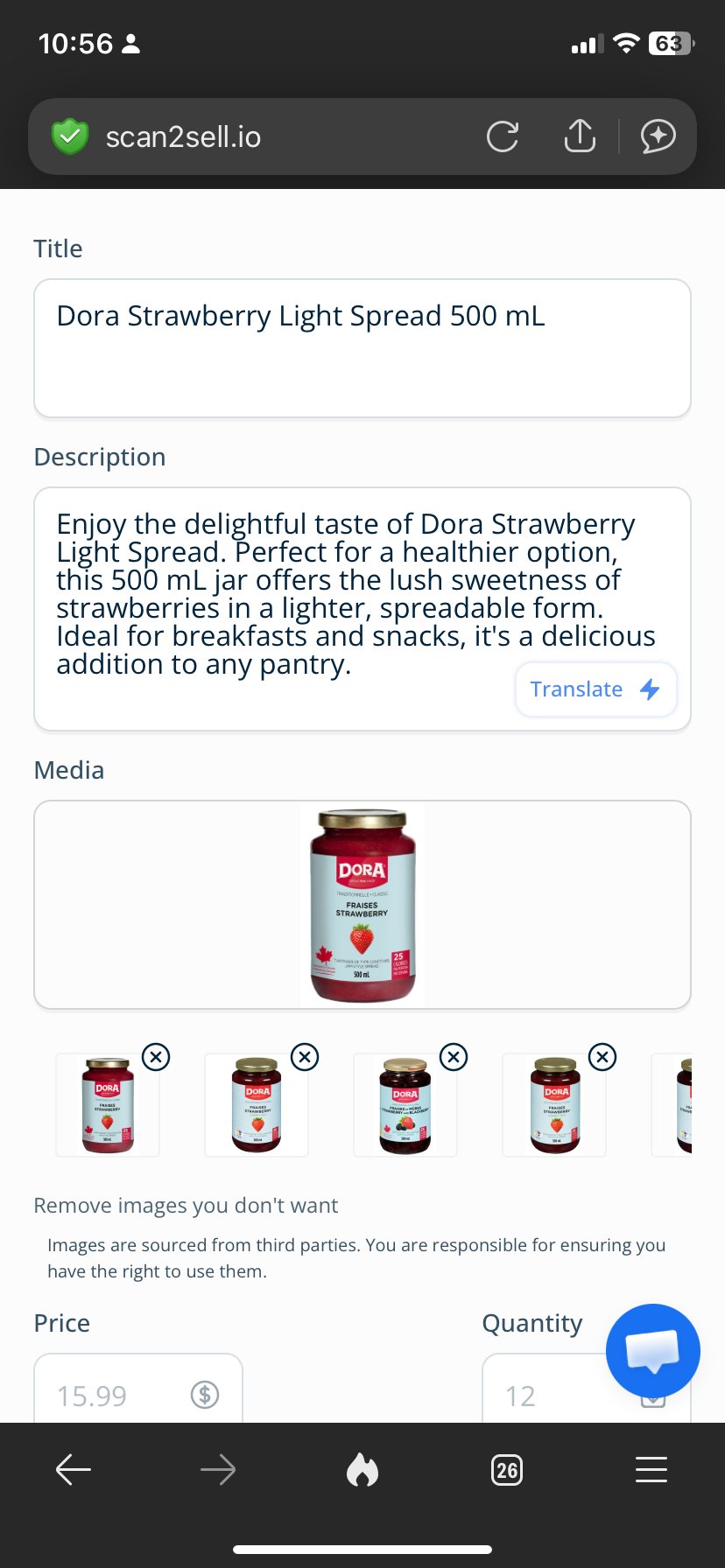
The resulting listing, with title, description, and images already in place for your review.
Product images appear automatically when you scan, sitting right alongside the title and description in the same review screen. There is no separate image step to manage.
SKU Data Entry and Inventory in the Same Step
Once the listing details are in front of you, price and quantity sit in that same screen. Your SKU, stock count, and price get set together rather than as a separate pass through a spreadsheet later. For products that carry an MSRP reference, that figure is shown alongside the price field so you have a market anchor while you decide what to charge.
Bulk Listings for Larger Batches
If you are bringing in a larger batch of inventory at once, scanning one item at a time is still an option, but the CSV import is built for volume. Download Scan2Sell's own template, enter your barcodes into the Barcode, Price, Quantity, and SKU columns, and upload the file. Every barcode in that file gets processed and queued as a ready-to-review listing.
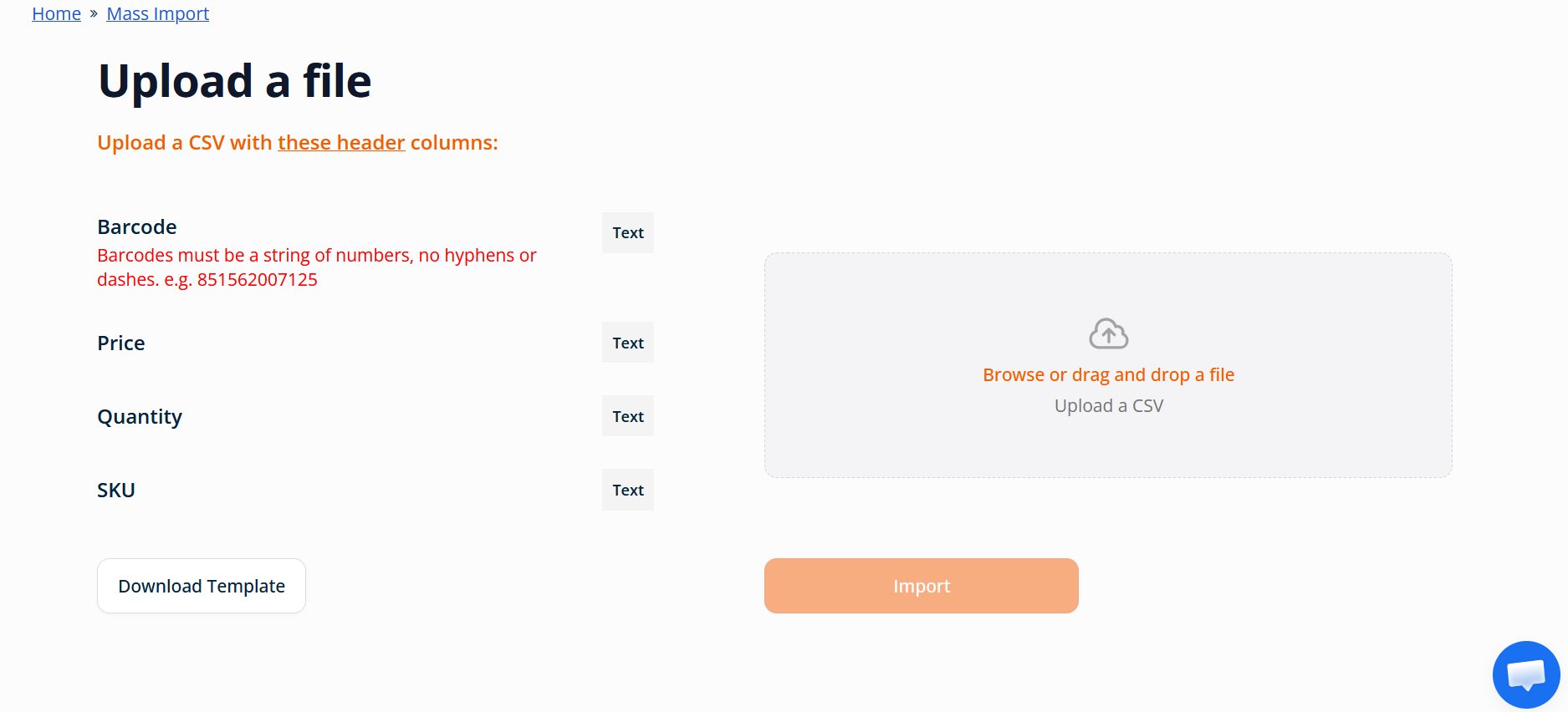
The CSV bulk import screen. Download the template, enter your barcodes, upload, and review the batch.
Each listing generated this way still waits for your review before publishing. The CSV import speeds up the data entry step, it does not remove your final say on what goes live.
Scanning from the Sales Floor
For brick-and-mortar stores bringing shelf inventory online, Scan2Sell also integrates with Shopify POS. You can scan products directly from your in-store environment using the same Bluetooth scanner you might already use at checkout, and begin building listings without switching to a separate system or device.
One flat monthly cost covers every input method. There is no per-batch fee and no separate charge for bulk uploads versus single scans.
Every Listing Task, One Scan
A breakdown of the data entry tasks every Shopify product needs, and how Scan2Sell handles each one.
Title and Description
Appears directly from a barcode scan. For items without a barcode, a photo gives Scan2Sell a reference to help draft the listing instead.
Product Images
Product images appear automatically alongside the title and description. Remove any you do not want before publishing.
Category and SKU
Set in the same review screen as price and quantity. No separate spreadsheet pass needed after the scan.
Price and Quantity
Entered manually by you, with an MSRP reference shown when available so you have a market anchor while deciding.
CSV Upload
For larger batches, the CSV import processes a full list of barcodes at once using Scan2Sell's own downloadable template.
Shopify POS Scanning
Scan2Sell integrates with Shopify POS, so in-store inventory can be scanned and listed without switching systems.
What You Stay in Control Of
Speed does not mean giving up oversight. Here is what stays in your hands at every step.
Every Listing Before It Publishes
Nothing goes live automatically. Each scan, photo, or CSV row produces a draft listing that waits for your approval.
You Set the Price
Scan2Sell shows an MSRP reference when one is available, but the final price and quantity are always entered by you.
Keep or Remove
Product images appear with the listing, and you can remove any that do not represent your specific item before creating it.
One Flat Monthly Rate
$99 per month covers unlimited scans across every input method, with no per-batch or per-product fees stacking on top.
Getting Started
If your current process for getting products onto Shopify involves typing titles and descriptions from scratch, install Scan2Sell and scan a handful of items from your existing inventory. Comparing the listing it generates against the time it would have taken to write that same listing by hand is usually the fastest way to see whether the workflow fits your store.
Frequently Asked Questions
Does Scan2Sell write the product description for me?
For barcoded products, a structured description appears as part of the scan result. You can edit it before the listing is created. For items without a barcode, the photo you take becomes the reference used to help draft a description, which you also review and edit.
Can I use Scan2Sell for products that do not have a barcode?
Yes. The Take Picture option lets you photograph the item, and that image is used as a reference to help generate a structured listing. You review and edit everything before the listing is created, the same as with a barcode scan.
How does the CSV import work for bulk listings?
Download Scan2Sell's own CSV template, enter your barcodes along with price, quantity, and SKU information, and upload the file. The barcodes process and become ready-to-review listings without you scanning each item individually.
Does anything publish automatically when I scan a product?
No. Every listing generated by a barcode scan, a photo, or a CSV upload sits in a review state until you confirm the title, description, price, and quantity. You decide what actually goes live on your store.
What does Scan2Sell cost?
Scan2Sell is $99 per month for unlimited scans, covering barcode scanning, photo listing, CSV bulk import, and Shopify POS integration under one flat rate.
Start Listing in Minutes, Not Days
Scan2Sell turns barcodes and photos into ready-to-review Shopify listings, with you approving every detail before it goes live.
Get Scan2Sell on the Shopify App Store