When it comes to selling on Shopify, your product images are one of your biggest sales tools. The wrong image size can hurt your load speed, distort your visuals, and even cost you sales.
In this guide, you’ll learn the exact Shopify products image size you should be using, how to keep your store looking sharp across all devices, and how Scan2Sell can help streamline the process so you can focus on selling, not formatting.
Why Image Size Matters for Your Shopify Product List
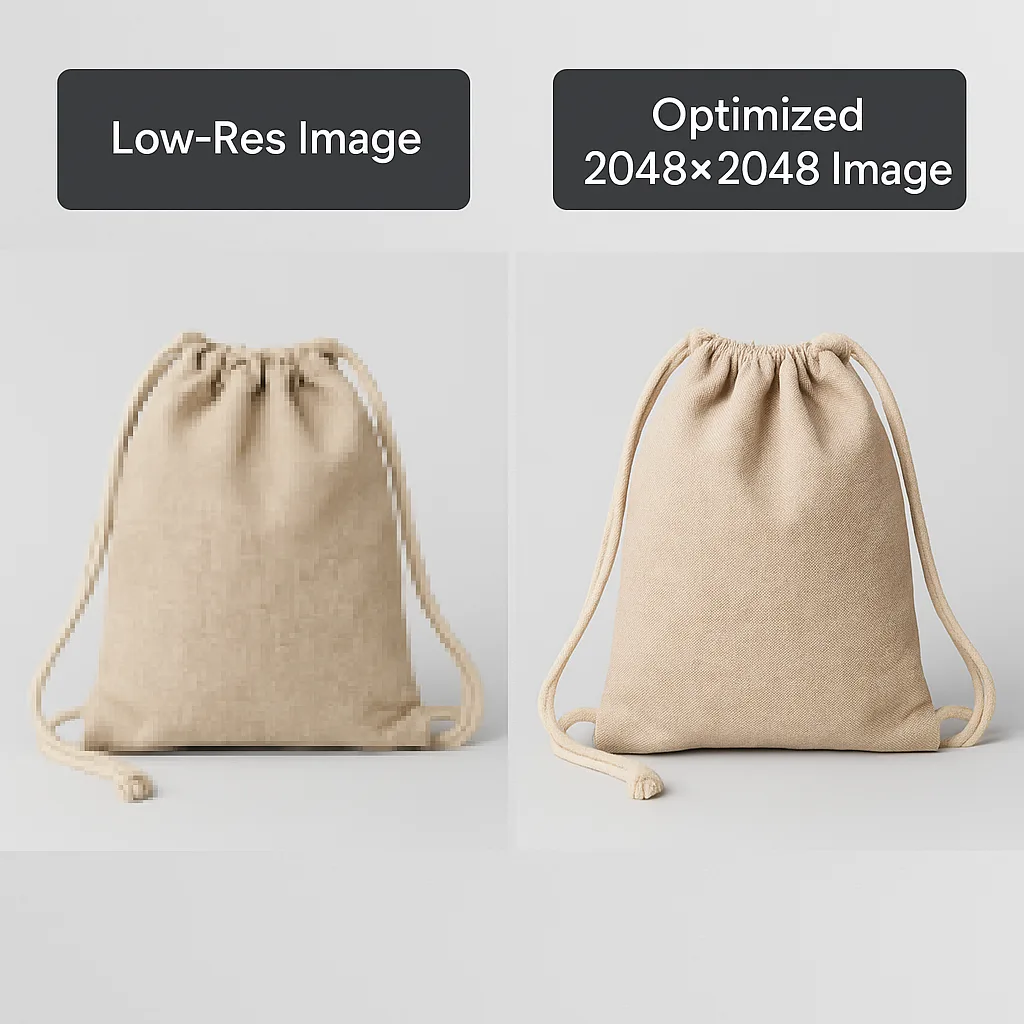
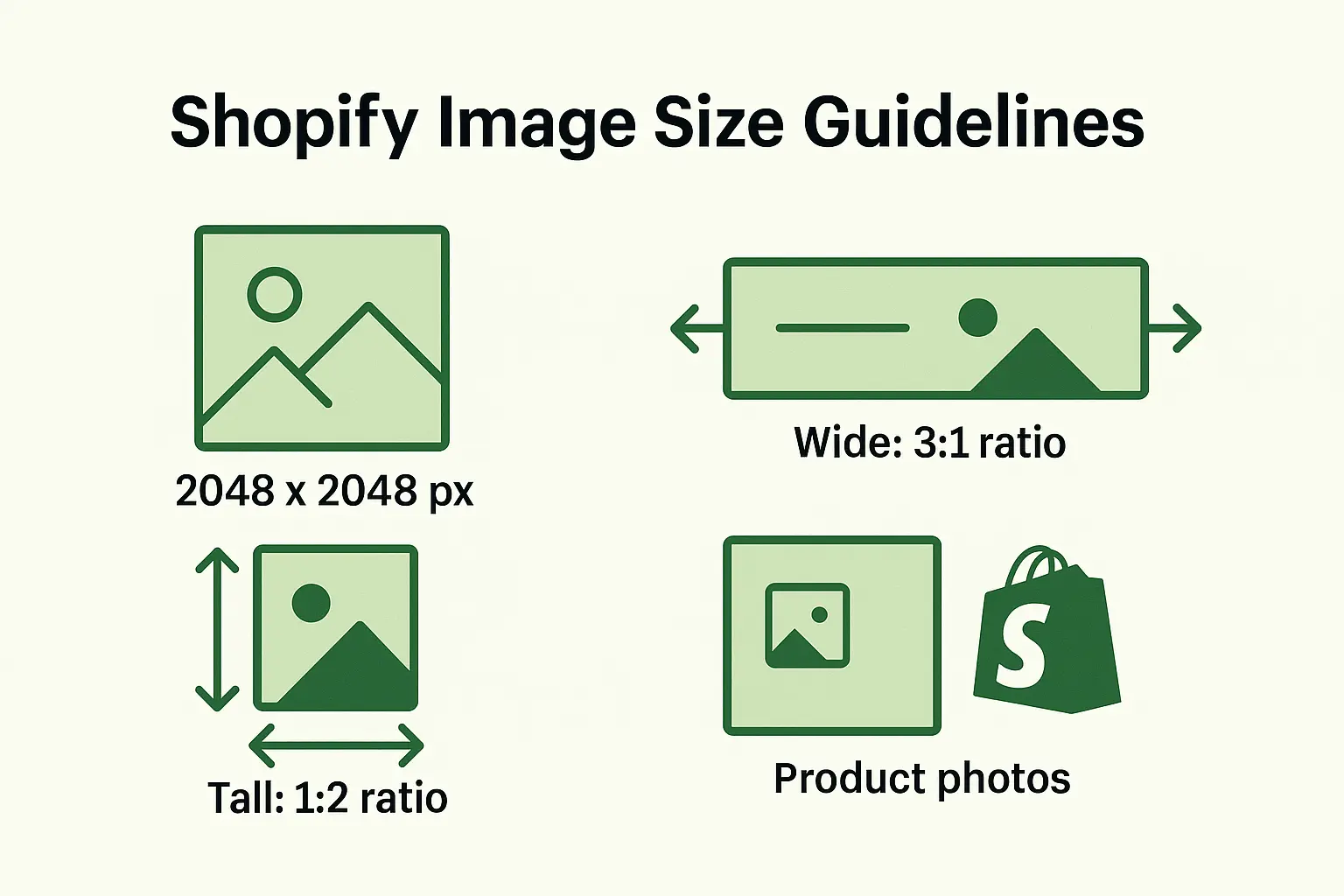
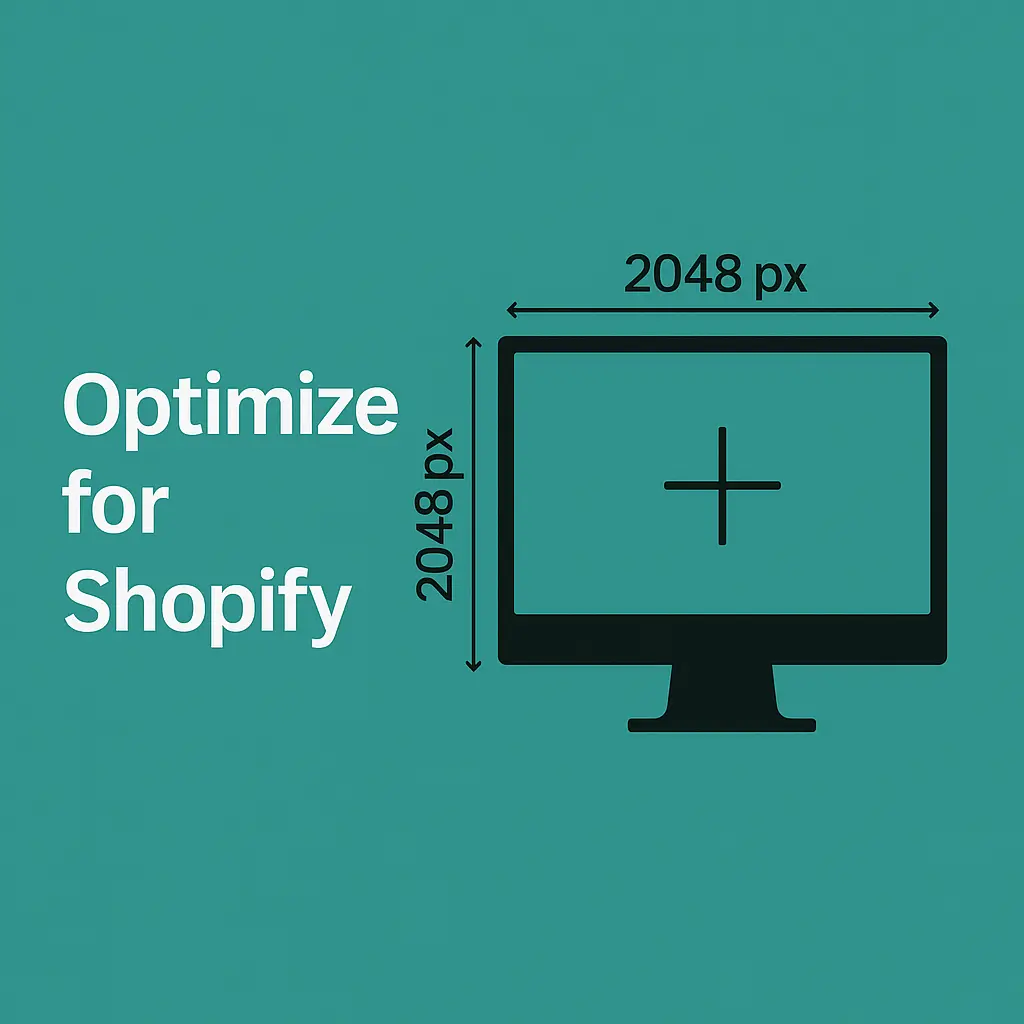
Shopify’s recommended size for product photos is 2048×2048 pixels for sharp zoom and professional display. This keeps your store looking consistent whether customers are shopping on a phone, tablet, or desktop.
It also impacts page speed. Large, unoptimized images can slow down your store, hurt your SEO ranking, and frustrate shoppers.
Pro Tip: Always keep file sizes under 3 MB, even for high-res product shots. The sweet spot is under 500 KB for fast load times without losing clarity.
The Best Shopify Products Image Size by Use Case
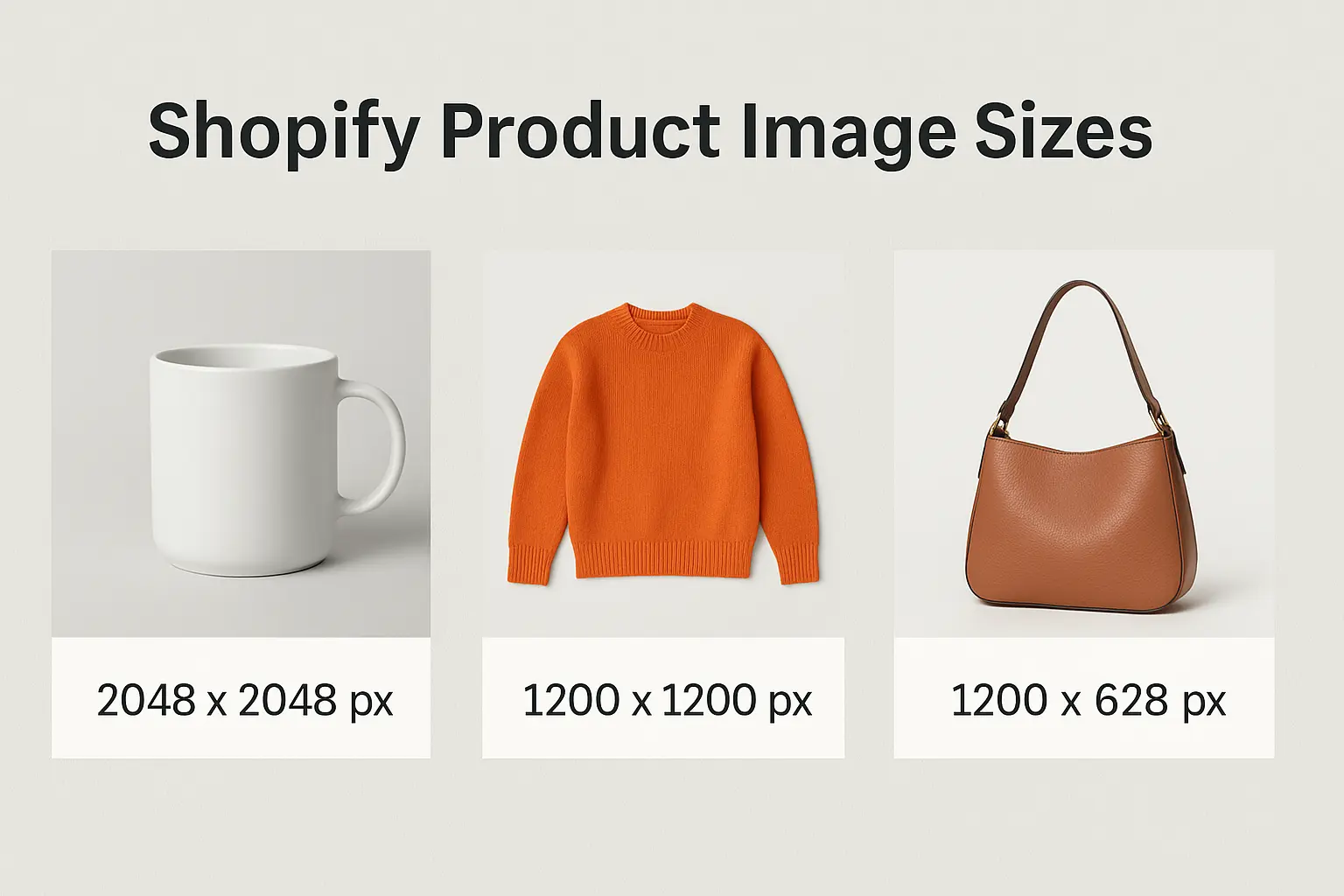
- Main product images: 2048×2048 pixels, 1:1 square ratio.
- Collection thumbnails: 1024×1024 pixels for faster category browsing.
- Banners/Hero graphics: 1200–2000 pixels wide, 400–600 pixels tall.
- Blog or featured images: 1200×800 pixels for balanced load speed and visual impact.
Pro Tip: Maintain the same aspect ratio across all your product images to avoid uneven grid layouts in your product list.
Choosing the Right File Format
- JPEG: Best for most product photos (lightweight, good quality).
- PNG: Ideal for products needing a transparent background.
- WebP: The most efficient—smaller file size with the same quality.
Pro Tip: Even if Shopify accepts JPEG or PNG, converting to WebP before upload can cut file sizes by up to 30% without sacrificing quality.
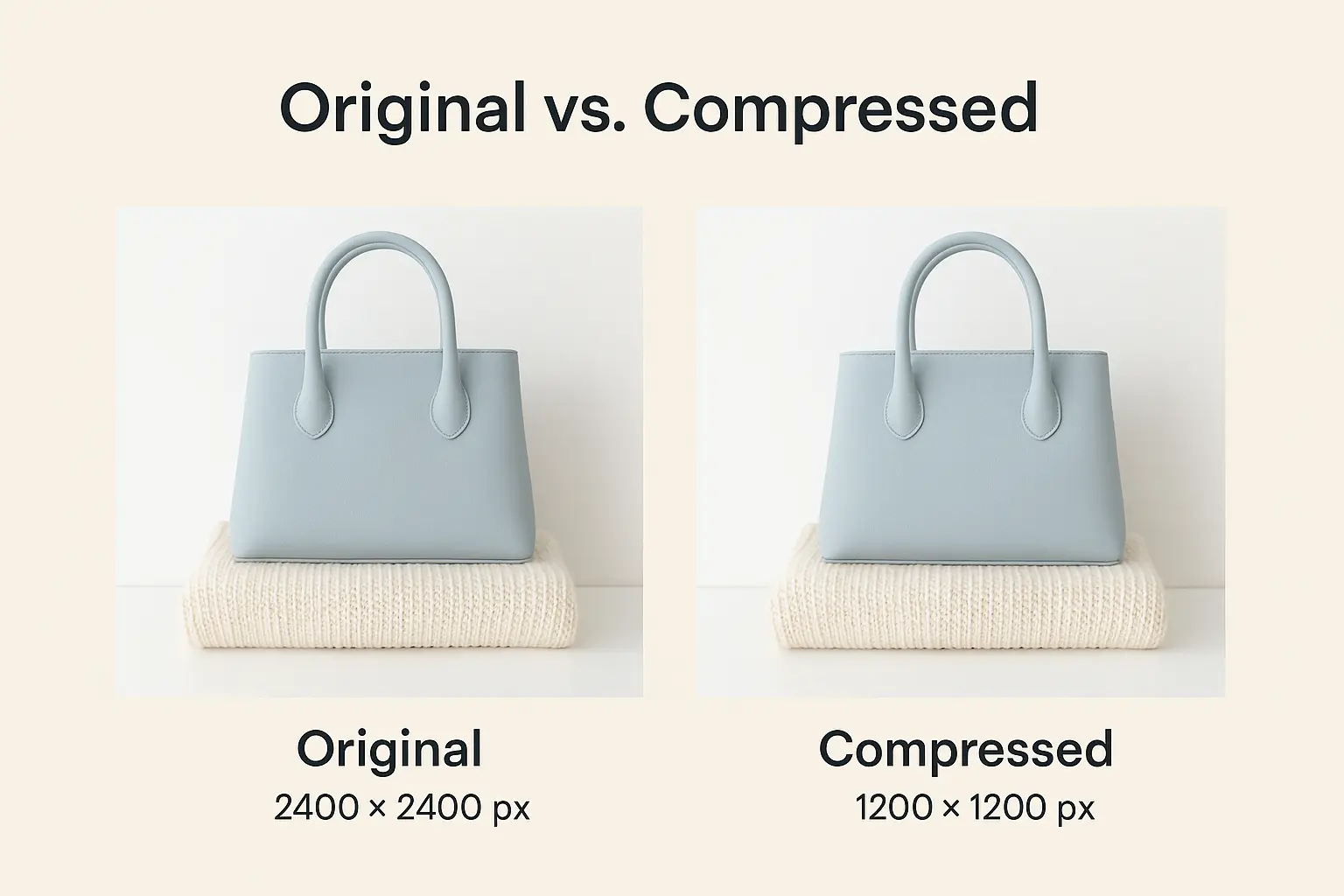
If you are having trouble with photos, there is a product that helps you find professional photos for your branded products:
Find Professional Product Photos
The Best Way to Upload Images in Bulk to your Shopify Store
Often, you may have lots of images for your products you need to get online all at once.
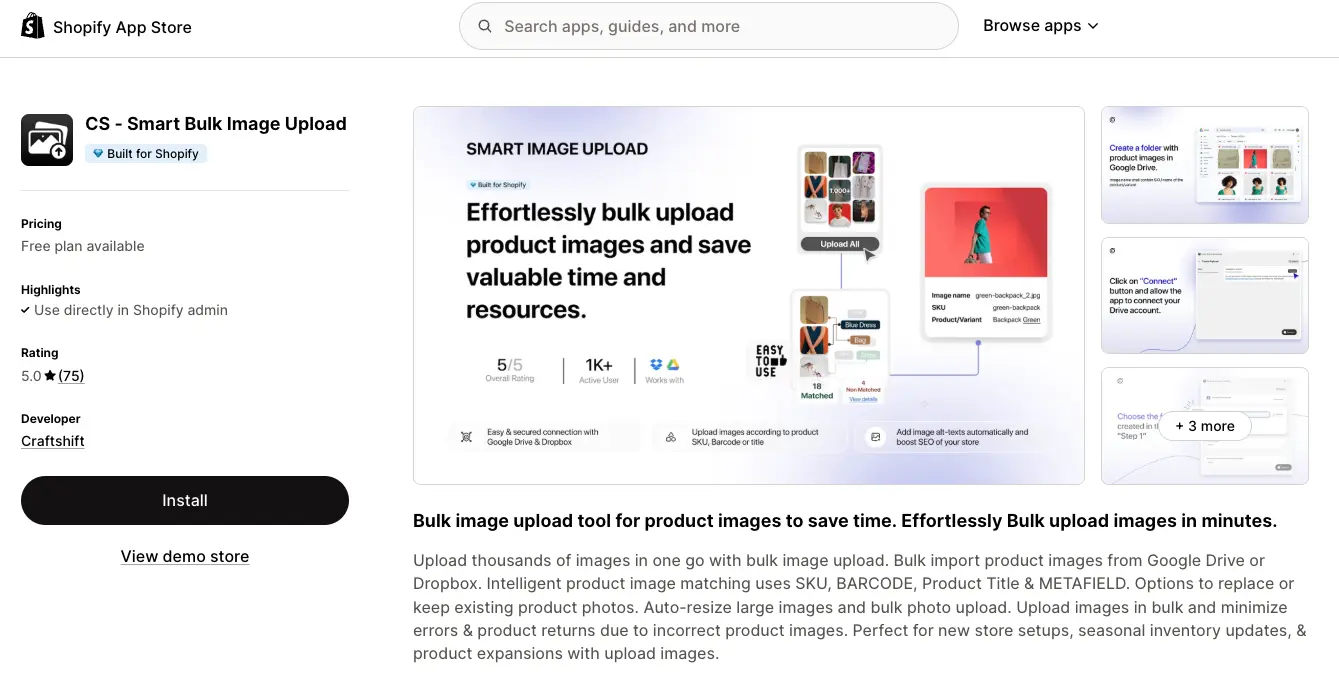
The best way to do this is using an app called "CS-Smart Bulk Image Upload.
It makes the process seamless to get your images online.
How Scan2Sell Automates the Perfect Shopify Products Image Size
With Scan2Sell, you can:
- Scan a barcode or upload a CSV of product data.
- Add product images as part of your listing workflow.
- Instantly add it to your product list, ready to publish.
Reduce the need for downloading, resizing, renaming, and re-uploading.
Pro Tip: If you sell liquidated or unmanifested loads, Scan2Sell can turn raw barcode data into a **fully formatted product list **with optimized images in minutes.
The right Shopify products image size makes your store faster, more professional, and easier to shop. Done manually, it’s tedious and time-consuming, especially if you’re dealing with hundreds or thousands of SKUs. Scan2Sell helps standardize your image sizes for consistency, automatically, so you can focus on making sales, not editing images.