
Getting your products online is one of the biggest hurdles for retailers moving to Shopify. Whether you’re an established brick-and-mortar store with thousands of SKUs or a new business owner just opening your doors, the process of uploading products often feels slow and overwhelming.
The good news? In 2026, there are better, faster, and easier ways to upload products on Shopify without getting lost in spreadsheets or endless manual typing.

Why Uploading Products Feels Hard for Retailers
For most store owners, uploading products means: Typing titles, descriptions, and prices by hand
- Finding and preparing product images to make listings look polished
- Managing CSV spreadsheets that feel confusing and technical
- Spending hours—or even weeks—before the online store is ready
That manual process can slow down growth and keep you from selling online, where customers are already searching.
Pro Tip: If you’re just starting out, begin with one small category of products. Once you master uploading 10–20 items, scaling up becomes less intimidating.
Step-by-Step: How to Upload Products on Shopify
Faster Options: CSV and Bulk Uploads
Shopify allows bulk uploading with a CSV file. You can export a sample CSV from Shopify, fill in your product details, and then re-upload.
But here’s the catch:
- CSV files must match Shopify’s exact format
- Missing one column or mistyping can cause the upload to fail
- You’ll still need product images and optimized descriptions
Pro Tip: Always test with a small CSV of 5–10 products before attempting a bulk upload. It helps catch formatting errors early.
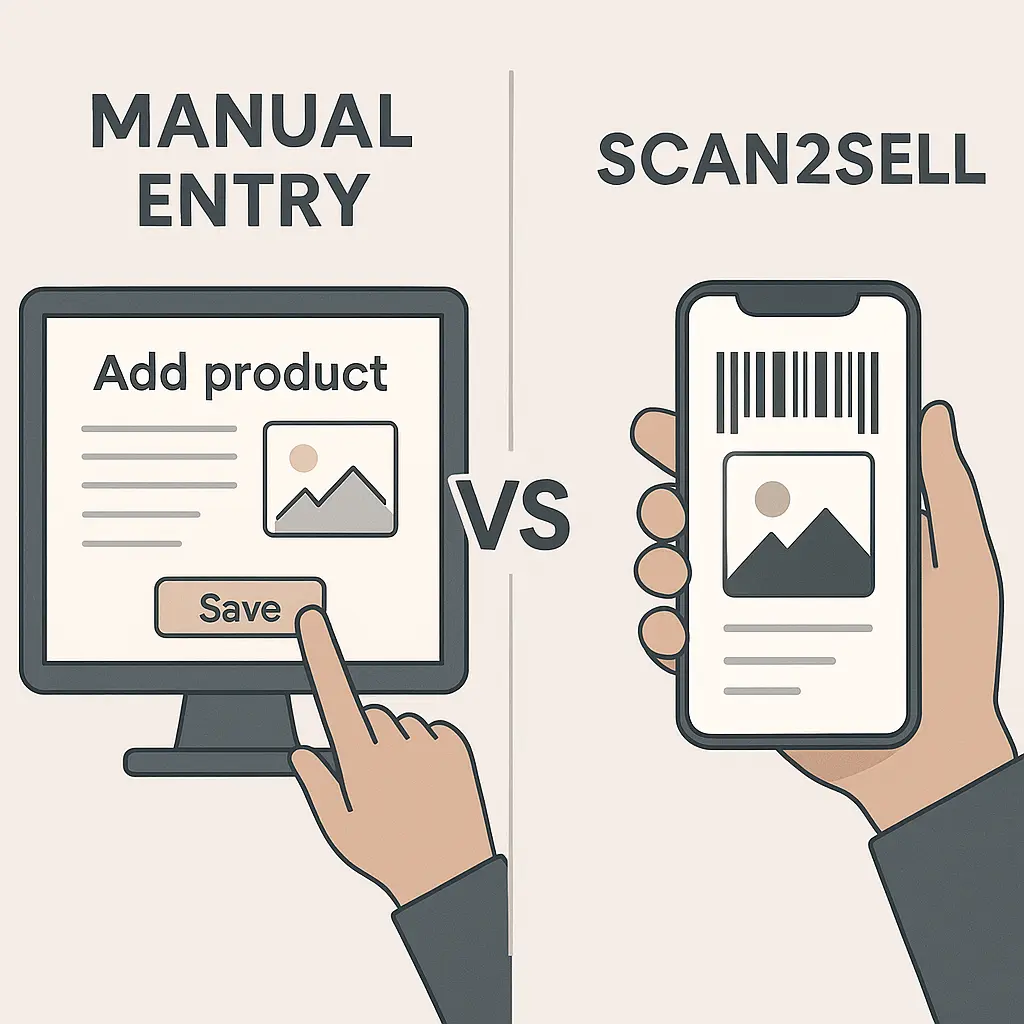
Instead of typing everything or wrestling with CSVs, Scan2Sell automates the process:
- Scan a product barcode with your phone or scanner.
- Scan2Sell helps generate the product title, SEO-friendly description, images, and pricing.
- With one click, the product is uploaded to your Shopify store, ready to sell.
For bulk uploads, simply upload a CSV with barcodes only. Scan2Sell helps generate structured listings to streamline the process.
This removes hours of manual work, reduces the risk of manual errors, and helps retailers get online 10X faster.
Pro Tip: If you sell liquidation or unmanifested loads, Scan2Sell can even generate listings from photos, so you can get products online with no catalogue data at all.
Why This Matters in 2025
- 80% of retail sales still happen in-store, but most shoppers now research products online first.
- Only 14% of small U.S. retailers offer online sales, leaving most dependent on foot traffic.
- Shopify’s mission is to make commerce better for everyone and tools like Scan2Sell help bridge the gap for Main Street businesses.
Upload Products the Smart Way
Uploading products on Shopify doesn’t need to be a slow, manual task. With step-by-step basics, bulk CSV options, and automation tools like Scan2Sell, you can build a professional online store in days instead of months. Your store deserves to be online. Don’t let product entry hold you back, start selling faster.